Develop Algorithms and Deploy on PX4 Autopilot
R2026bDevelop algorithms and prepare model for deploying on PX4 Autopilots. These topics provide additional information about model configuration parameters, setting COM ports, and deploying PX4 Autopilots from Simulink®.
Blocks
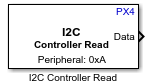 | I2C Controller Read | Read data from I2C peripheral device or I2C peripheral device register |
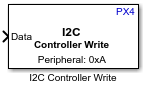 | I2C Controller Write | Write data to I2C peripheral device or I2C peripheral device register |
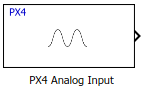 | PX4 Analog Input | Measure analog voltage applied to an ADC channel |
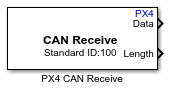 | PX4 CAN Receive | Receive message from CAN network (Since R2022b) |
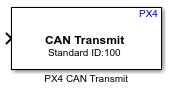 | PX4 CAN Transmit | Transmit message to CAN network (Since R2022b) |
 | Serial Receive | Read data from UART or USART port on PX4 flight controller |
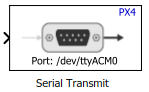 | Serial Transmit | Send serial data to UART or USART port |
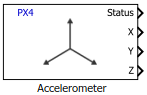 | Accelerometer | Read sensor_accel uORB topic and obtain three dimensional linear acceleration |
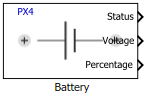 | Battery | Read battery_status uORB topic and obtain details about the battery's state |
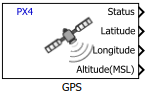 | GPS | Read vehicle_gps_position uORB topic and obtain GPS coordinates |
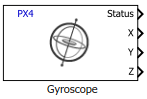 | Gyroscope | Read sensor_gyro uORB topic and obtain three dimensional rate of rotation |
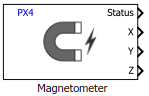 | Magnetometer | Read sensor_mag uORB topic and obtain three dimensional magnetic field |
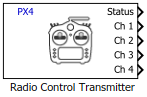 | Radio Control Transmitter | Read input_rc uORB topic to obtain data from Radio Control Transmitter |
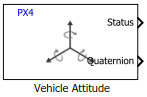 | Vehicle Attitude | Read vehicle_odometry uORB topic and obtain attitude measurements |
 | PX4 uORB Message | Create a blank message using specified uORB topic |
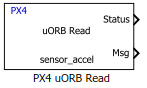 | PX4 uORB Read | Read uORB data for the specified uORB topic |
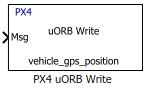 | PX4 uORB Write | Write uORB data for the specified uORB topic |
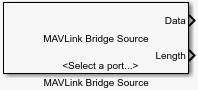 | MAVLink Bridge Source | Read MAVLink data from the Pixhawk board (Since R2022a) |
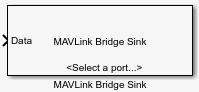 | MAVLink Bridge Sink | Write MAVLink data to the Pixhawk board (Since R2022a) |
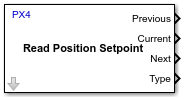 | PX4 Read Position Setpoint | Read the position setpoints published by the PX4 Navigator module in the uORB topic
position_setpoint_triplet |
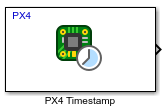 | PX4 Timestamp | Output absolute timestamp from the PX4 Autopilot to a Simulink model (Since R2023b) |
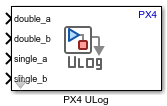 | PX4 ULog | Log Simulink signals to an SD card in ULog format (Since R2023b) |
 | PX4 Write Parameter | Write PX4 system parameters (Since R2025a) |
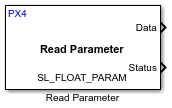 | Read Parameter | Read PX4 system parameters |
Functions
getMATFilesFromPixhawk | Retrieve MAT files from SD card inserted on Pixhawk hardware board |
px4MATFilestitcher | Combine multiple MAT-files retrieved from SD card into a single MAT-file |
createPX4uORBMessage | Create custom uORB topic for logging in a Simulink model (Since R2023b) |
createCustomPX4Parameter | Create custom PX4 parameter for writing to the PX4 system parameter (Since R2025a) |
getLogFilesFromPX4Autopilot | Retrieve MDF log files from SD card on PX4 autopilot (Since R2026b) |
Topics
Set Up Simulink Model
- Model Configuration Parameters for PX4 Flight Controller
Parameter and configuration options for creating and running applications on PX4® flight controller - Deployment on Cube Orange Autopilot from Simulink
Deploy Simulink generated code to Cube Orange Autopilot. - Deployment on Cube Blue H7 Autopilot from Simulink
Deploy Simulink generated code to Cube Blue H7 Autopilot. - Deployment on Unsupported PX4 Autopilots from Simulink
Deploy Simulink-generated code to unsupported PX4 autopilots.
PX4 Autopilot Peripheral Information
- Index Numbers for Analog Channels on Pixhawk Series Controller Boards
Identify the index numbers for signals from analog channels. - Serial Port Names and Corresponding Labels on PX4 Flight Controller Boards
Identify the UART/USART port number for the labels seen on PX4 flight controller boards. - I2C Bus Port Numbers for Labels on PX4 Autopilots
Identify the bus port number for the labels seen on PX4 flight controller boards
MAVLink Communication with PX4 Autopilots
- Connecting to NSH Terminal for Debugging
Connect to the NSH terminal of Generic Board controller for debugging.
Additional Information
- Migrating from Pixhawk Pilot Support Package to UAV Toolbox Support Package for PX4 Autopilots
Migrate from existing Pixhawk® Pilot Support Package to the new UAV Toolbox Support Package for PX4 Autopilots. - Getting Started with uORB Blocks for PX4 Autopilots Support Package
Read and write uORB messages using PX4 uORB Read and PX4 uORB Write blocks. - Connecting to NSH Terminal for Debugging
Debug PX4 autopilot using NSH terminal.
Troubleshooting
Troubleshooting Deploy to Hardware Issues
Solve the problems when you try to deploy the Simulink model to Generic Board flight controllers.
Resolve Firmware Build Failure Due to Flash Memory Overflow
Troubleshoot flash memory overflow errors when building PX4 firmware with the default board build target file.
Troubleshooting Running Out of File Descriptor Issues
Solve the running out of file descriptor issues.
Troubleshooting USB Issues with Cube Orange on Windows
Solve the USB issues with Cube Orange.
Set COM Port for Upload and Communication in Simulink
Troubleshoot COM port detection failures and manually configure ports for firmware upload and host-target communication on Pixhawk boards in Simulink.
Featured Examples
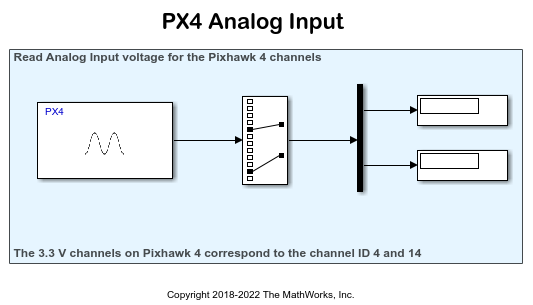
Getting Started with PX4 Analog Input Block for ADC Channels
Read voltage of ADC pins on Pixhawk series controller using PX4 Analog Input block.
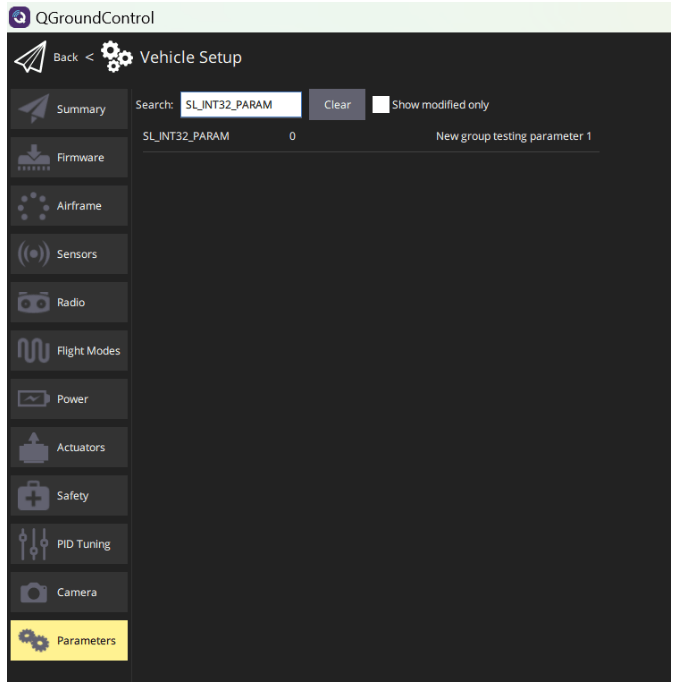
Getting Started with PX4 Write Parameter Block
Write parameter values to PX4 flight controllers using PX4 Write Parameter block.
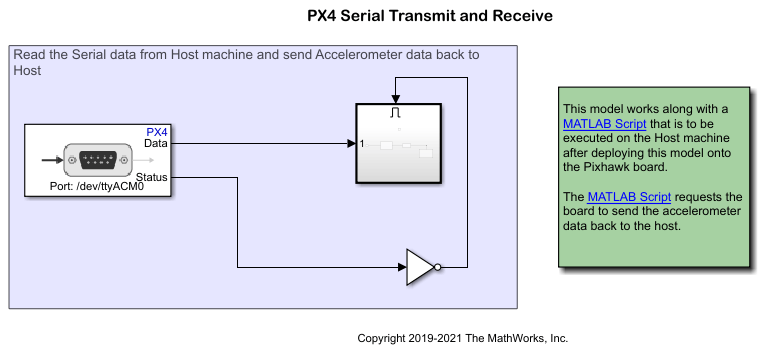
Getting Started with Serial Receive and Serial Transmit Blocks
Get and send serial data to PX4 autopilot using Serial Receive and Serial Transmit blocks.
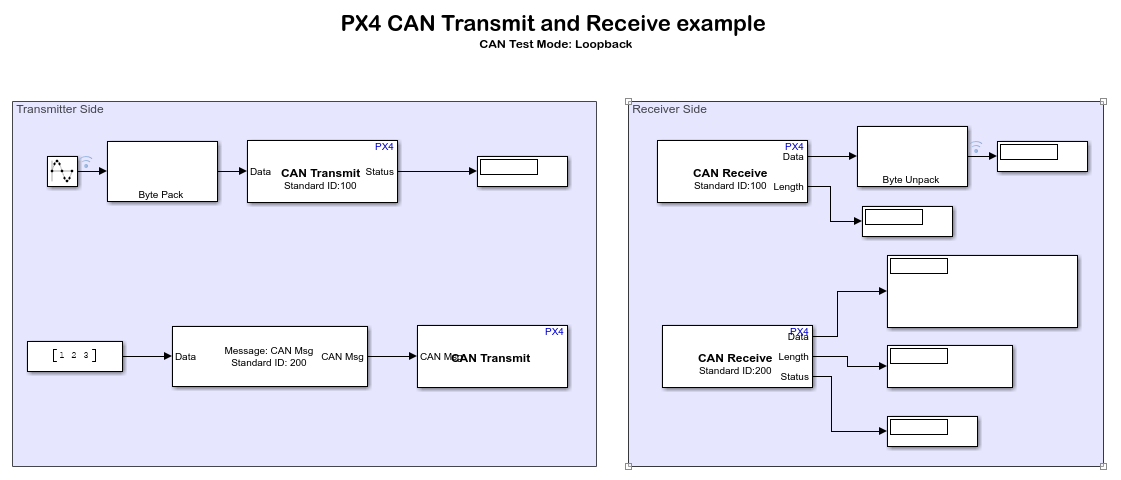
Getting Started with PX4 CAN Receive and PX4 CAN Transmit Blocks
Get and send control area network (CAN) messages to PX4 autopilot using PX4 CAN Receive and PX4 CAN Transmit blocks.
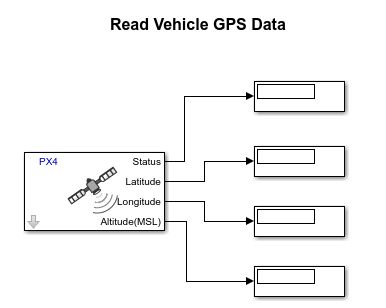
Read GPS Data from PX4 Autopilot
Read GPS data from PX4 autopilot in Simulink using GPS block.
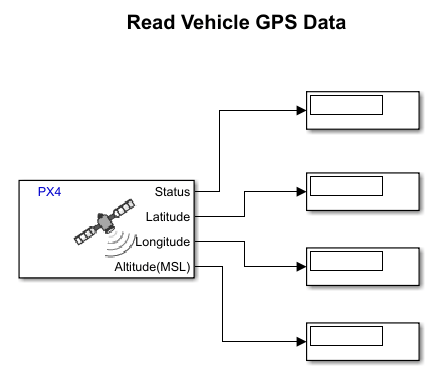
Read GPS Data over UAVCAN
Read UAVCAN GPS data from PX4 autopilot in Simulink using GPS block.
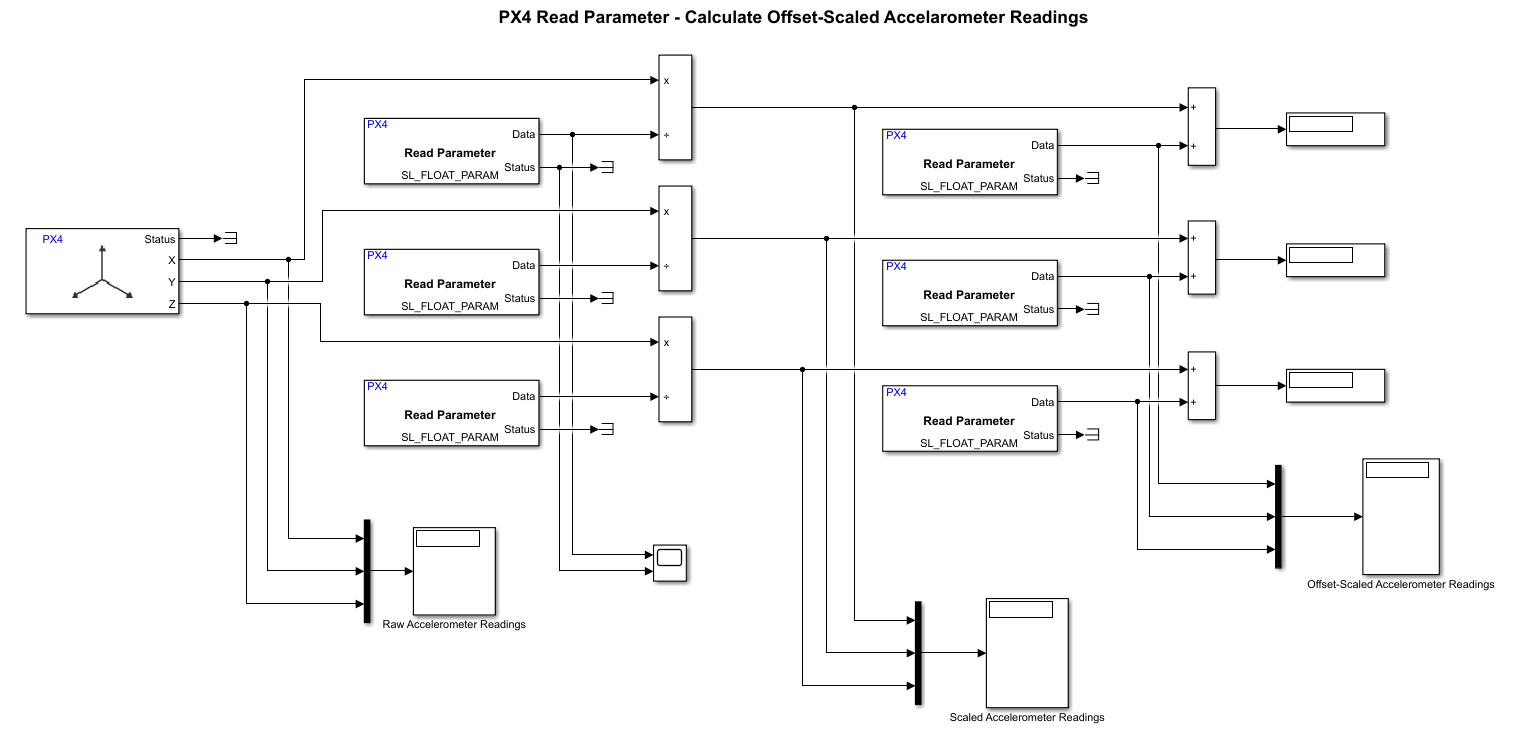
Read PX4 System Parameters from PX4 Autopilot
Read system parameters from PX4 autopilot using Read Parameter block.
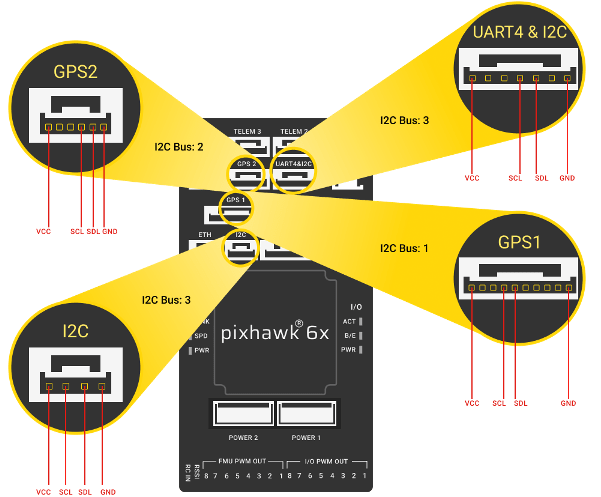
Read Accelerometer Values from I2C Based Sensor Connected to PX4 Autopilot
Read accelerometer values from I2C based sensor using I2C Controller Read block.
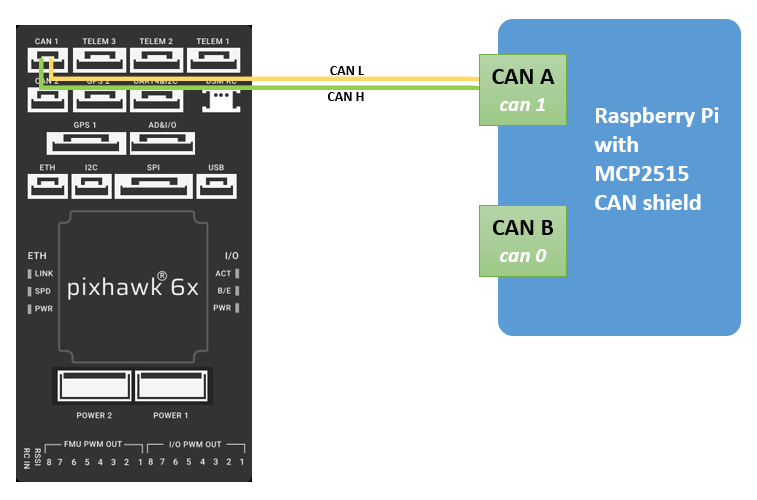
CAN Communication with Pixhawk Using Raspberry Pi
Establish a CAN communication between Pixhawk® hardware and Raspberry Pi® hardware.
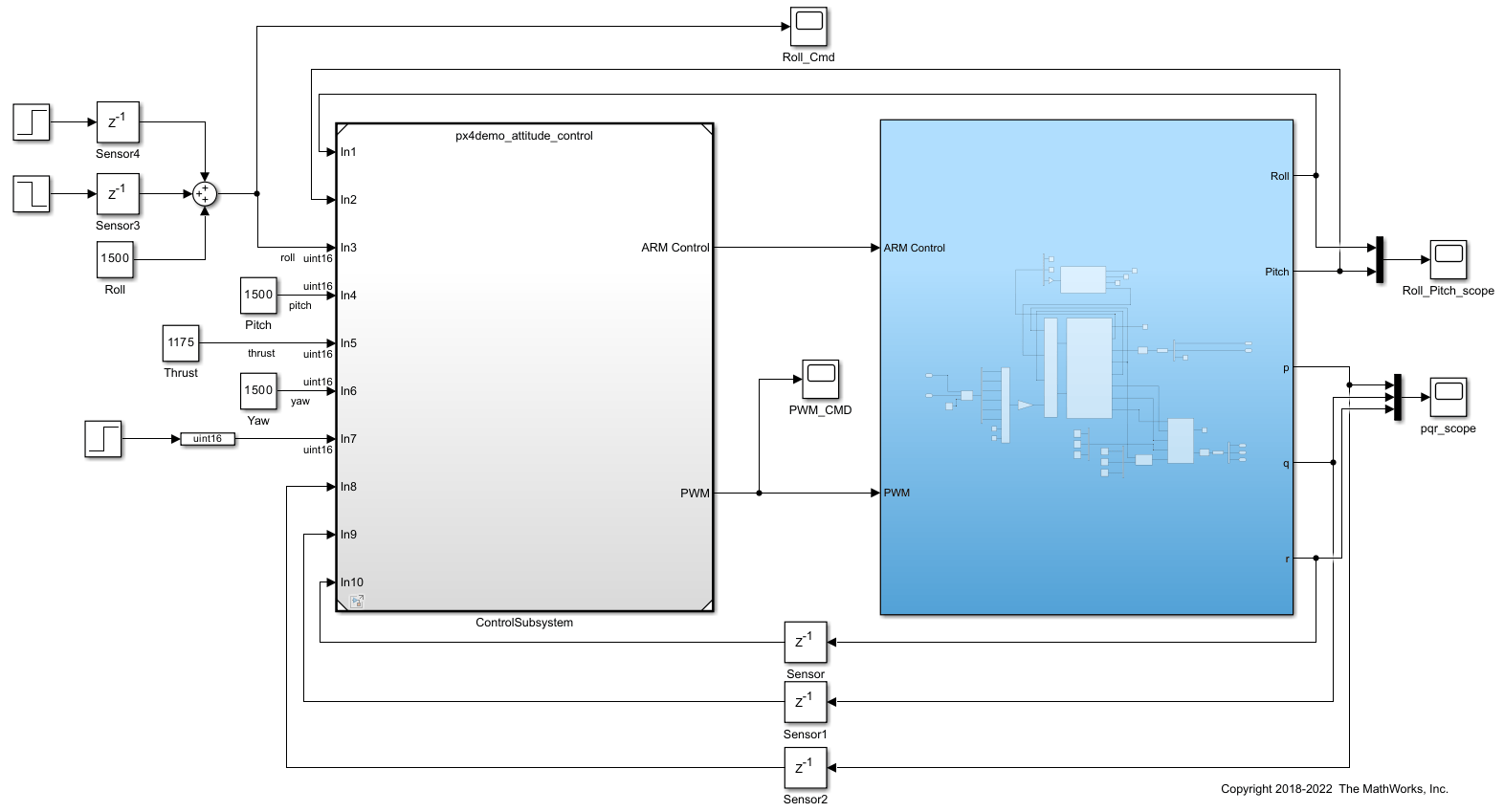
Plant and Attitude Controller Model for Hexacopter
Create hexacopter plant and attitude controller for PX4 autopilot.

