Blocked Images and Blocked Image Processing
R2026bRather than processing an entire image at once, you can divide an image into
distinct blocks, processes each block, and reassembles the blocks to form the
output image. The blockedImage object represents an image as a collection of smaller
blocks of data that can be independently loaded and processed.
Block processing is useful in many situations, such as when you have:
Large images that do not fit into memory.
Multiresolution images.
Images of file types not supported by built-in functions such as
imread.
Functions
Topics
Introduction to Blocked Images
- Block Processing: An Overview
Divide an image into sections, called blocks, to reduce the memory needed to process the image. - Block Processing Large Images
This example shows how to perform edge detection on a large image by reading, processing, and writing the results back to disk, one block at a time. - Coordinate Systems for Blocked Images
Learn how to convert between pixel locations, block locations, and real-world coordinates in a blocked image. - Set Up Spatial Referencing for Blocked Images
This example shows how to set up and verify the spatial referencing information of ablockedImageobject. - Calculate Global Statistics for Blocked Images
This example shows how to calculate global statistics from a blocked image by aggregating the statistics of individual blocks. - Process Blocked Images Efficiently Using Partial Images or Lower Resolutions
This example shows how to process a blocked image quickly using two strategies that enable computations on smaller representative samples of the high-resolution image. - Process Blocked Images Efficiently Using Mask
This example shows how to process a blocked image efficiently by using a mask to isolate regions of interest (ROIs). - Warp Blocked Image at Coarse and Fine Resolution Levels
This example shows how to apply a geometric transformation (warping) to a blocked image.
Label Blocked Images
- Label Very Large High-Resolution Images Using Image Labeler (Computer Vision Toolbox)
This topic explains how to efficiently label high-resolution and large-scale images using the Image Labeler app, especially when working with images too large to fit into memory. - Create Labeled Blocked Image from ROIs and Masks
This example shows how to create a labeled blocked image from a set of ROIs. - Convert Image Labeler Polygons to Labeled Blocked Image for Semantic Segmentation (Computer Vision Toolbox)
Convert polygon labels stored in agroundTruthobject into a labeled blocked image for semantic segmentation workflows.
Read Images in Unsupported Formats
- Create Adapter to Read Unsupported Image Formats for Blocked Processing
To work with image data in file formats that are not natively supported by theblockedImageobject, create a custom adapter that reads blocks of data. - Read Whole-Slide Images with OpenSlide
This example shows how to add support for reading whole-slide images by creating a custom blocked image adapter.
Featured Examples
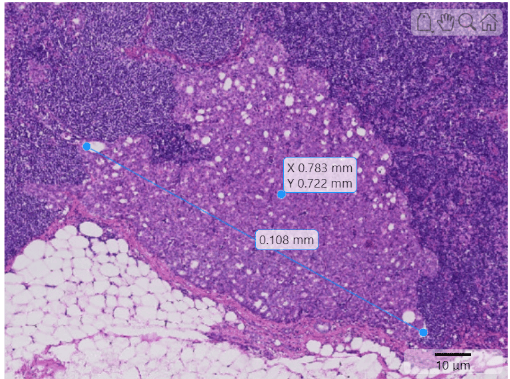
Display and Explore Blocked Images
Visualize and explore large and multiresolution images stored as blockedImage objects.
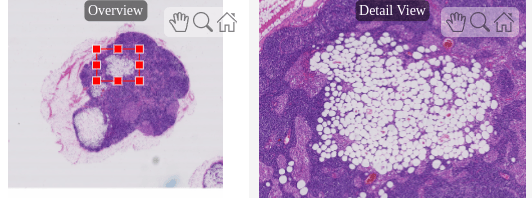
Explore Blocked Image Details with Interactive ROIs
Display a detailed region of a blocked image selected interactively using ROI tools.
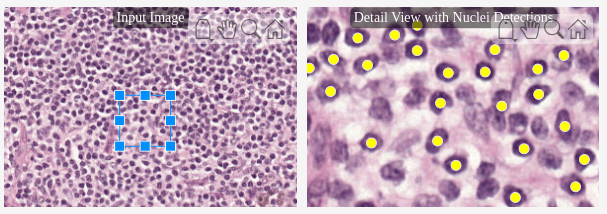
Detect and Count Cell Nuclei in Whole Slide Images
Use color thresholding and region property analysis, while working with small blocks of image data, to detect nuclei in WSIs.
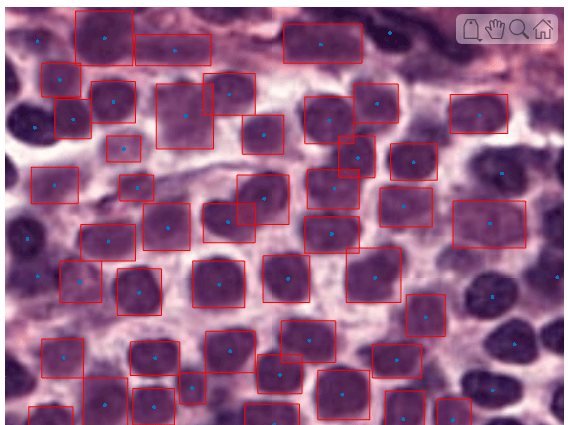
Detect Nuclei in Large Whole Slide Images Using Cellpose
Detect cell nuclei in whole slide images (WSIs) of tissue stained using hematoxylin and eosin (H&E) by using Cellpose.
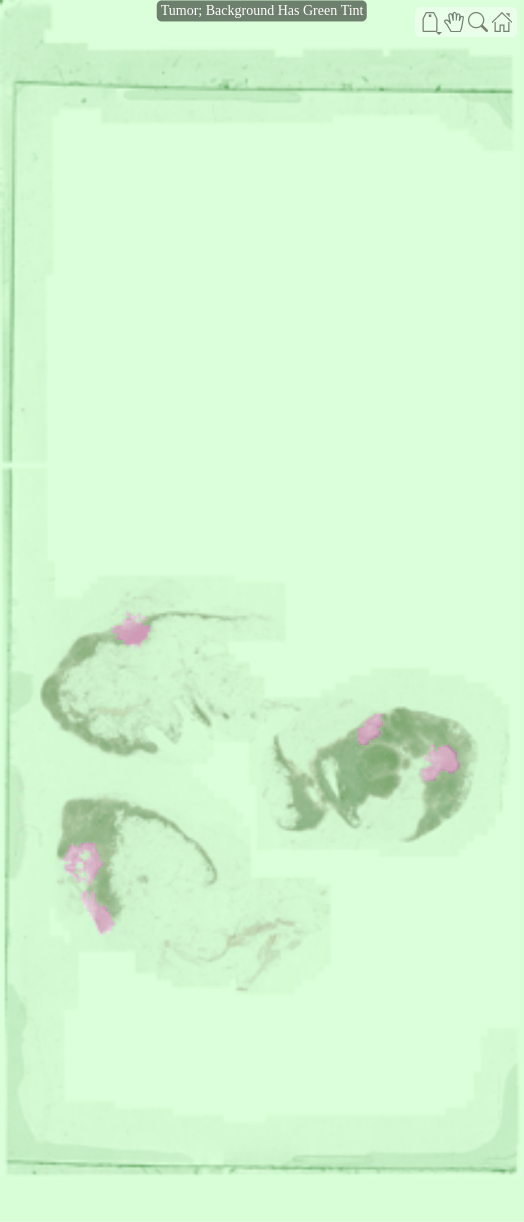
Preprocess Multiresolution Images for Training Classification Network
Prepare datastores that read and preprocess multiresolution whole slide images (WSIs) that might not fit in memory.
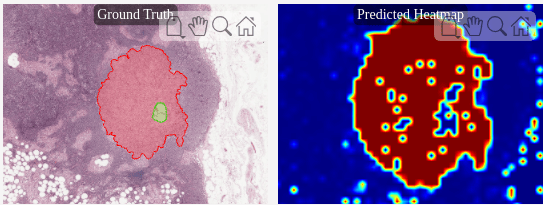
Classify Tumors in Multiresolution Blocked Images
Classify multiresolution whole slide images (WSIs) that might not fit in memory using an Inception-v3 deep neural network.
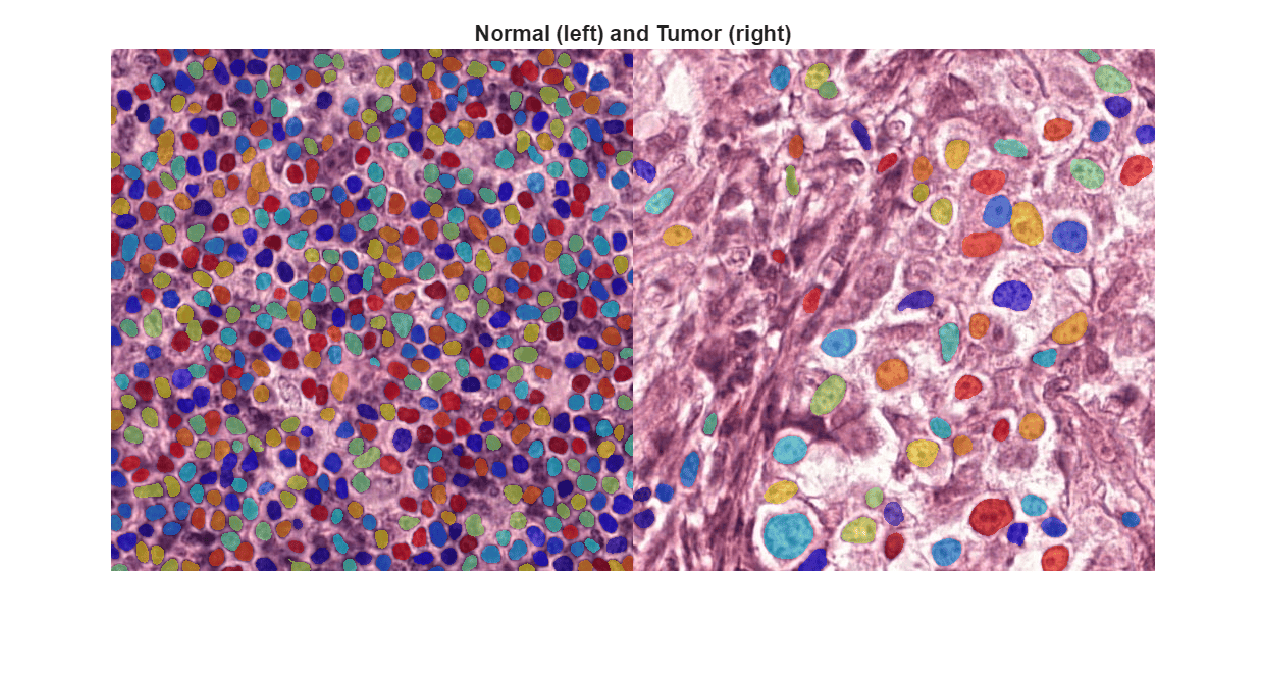
Classify Tumors in Digital Pathology Images Using Cell Nucleus Morphology
Classify whole slide image (WSI) patches as normal or cancerous using pathomics.
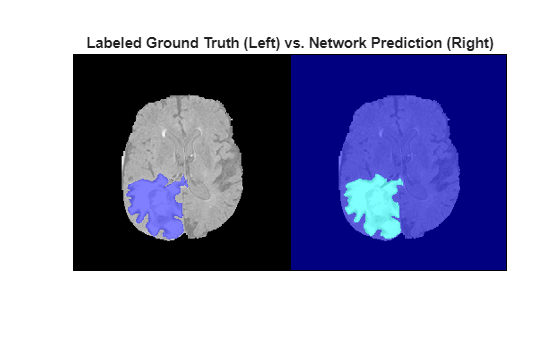
3-D Brain Tumor Segmentation Using Deep Learning
Perform semantic segmentation of brain tumors from 3-D medical images.
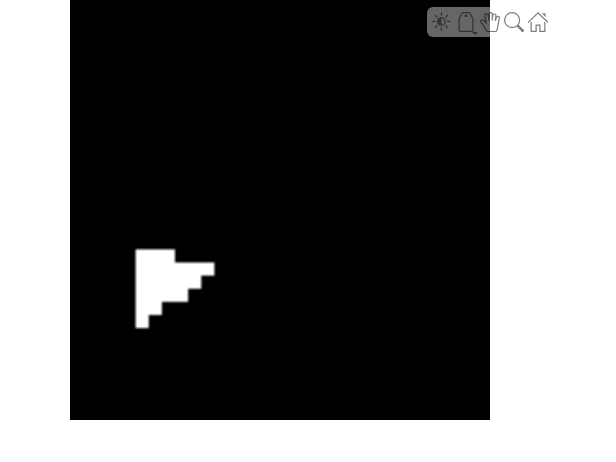
Calculate Segmentation Metrics in Block-Based Workflow
Calculate the semantic segmentation confusion matrix for individual blocks in a blockedImage object, then calculate global and block segmentation metrics.
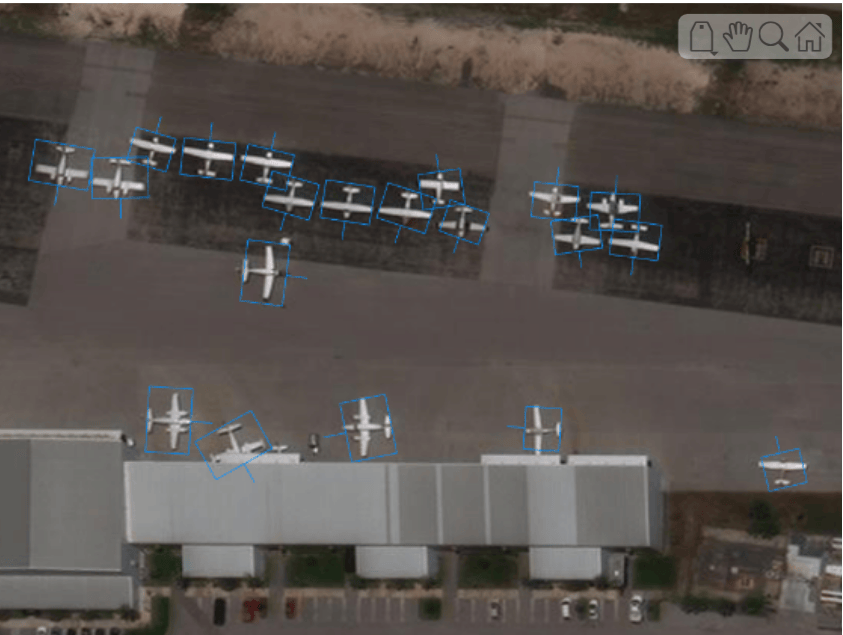
Object Detection in Large Satellite Imagery Using Deep Learning
Perform object detection on large satellite imagery using deep learning.
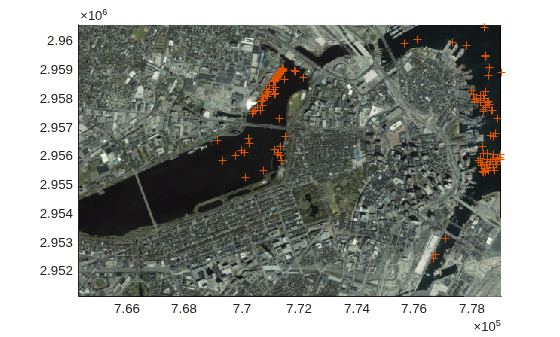
Process Large GeoTIFF File as Blocked Image
Efficiently apply and visualize image processing operations on a large GeoTIFF file using a low-resolution mask.
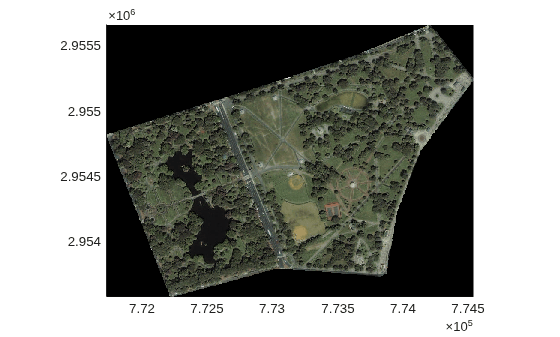
Crop and Mask Large GeoTIFF File Using Shapefile
Efficiently crop and mask a large GeoTIFF file using a shape from a shapefile.
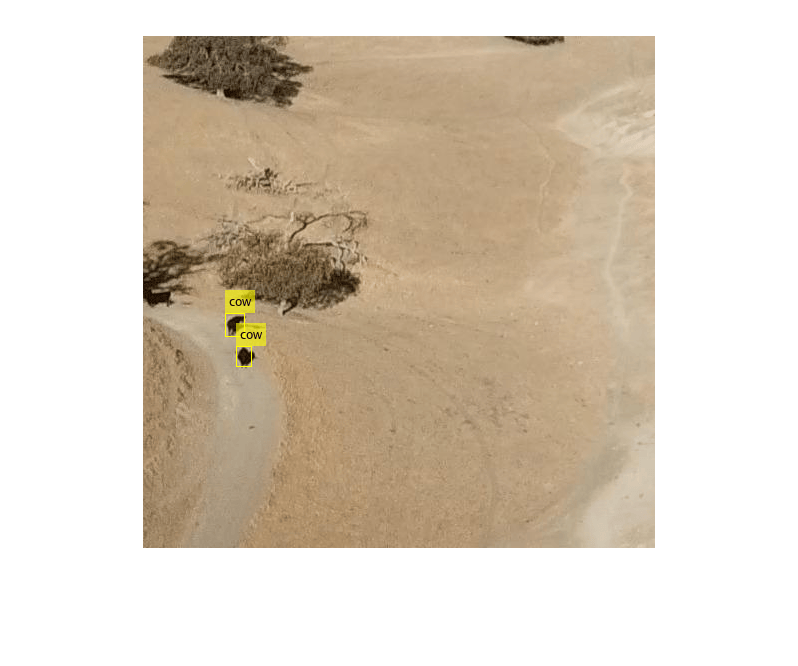
Detect Small Objects Using Tiled Training of YOLOX Network
Detect small objects in full-resolution images using tiled training of a you only look once version X (YOLOX) deep learning network.
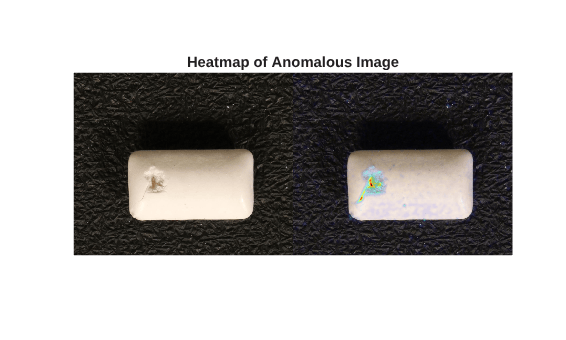
Detect Defects Using Tiled Training of Student-Teacher Anomaly Detector
Detect and localize industrial production defects on chewing gum images by training a Student-Teacher anomaly detection network on tiled images.

