Verwalten von Experimenten
R2026aMit der App Experiment Manager können Sie rechnerische Experimente erstellen, die Ihren MATLAB-Code mit einer Reihe von Parameterwerten ausführen, automatisch die Artefakte Ihrer Experimente verwalten und die Ergebnisse vergleichen. Informationen zum Einstieg finden Sie unter Explore Parameters Using Simple Computational Experiment.
Diese Seite enthält allgemeine Informationen zur Verwendung von Experiment Manager. Weitere Informationen über Experimente für Ihre KI-Arbeitsabläufe finden Sie unter Experiment Manager (Deep Learning Toolbox).
Apps
| Experiment Manager | Explore parameters in your MATLAB code and compare experiment results (Seit R2023b) |
Themen
Konfigurieren des Experiments
- Explore Parameters Using Simple Computational Experiment
Interactively explore parameters in your MATLAB code and organize the results by using the Experiment Manager app. (Seit R2023b) - Visualize Experiment Results with Plots
Generate plots to visualize your experiment trial results by including plotting code in the experiment function. (Seit R2023b) - Configure Experiment to Solve Ordinary Differential Equations Using Template
Set up an experiment to solve ordinary differential equations using a provided experiment template. (Seit R2024b) - Debug General-Purpose Experiments
Diagnose problems in your experiment function. - Keyboard Shortcuts for Experiment Manager
Navigate Experiment Manager using only your keyboard.
Reduzieren der Ausführungszeit eines Experiments
- Optimize Experiment Performance Using Initialization Function
Improve the performance of your experiment trials by moving setup code into an initialization function. (Seit R2023b) - Run Experiments in Parallel
Run multiple simultaneous trials or one trial at a time on multiple workers. - Offload Experiments as Batch Jobs to a Cluster
Run experiments on a cluster so you can continue working or close MATLAB.
Verwandte Informationen
Enthaltene Beispiele
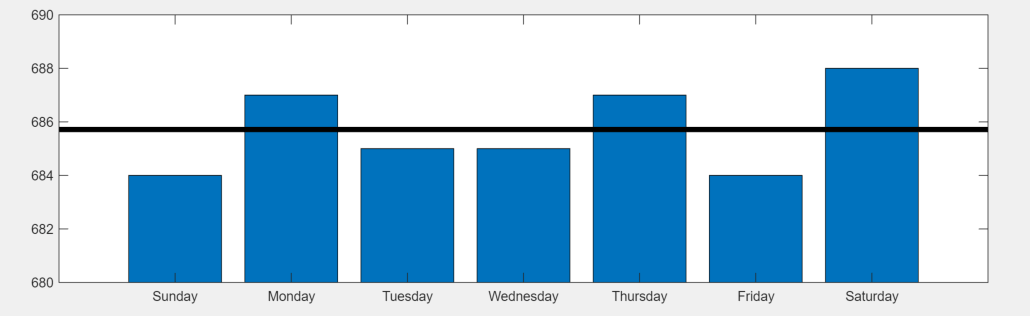
Convert MATLAB Code into Experiment
Convert your existing MATLAB code into an experiment that you can run using the Experiment Manager app.
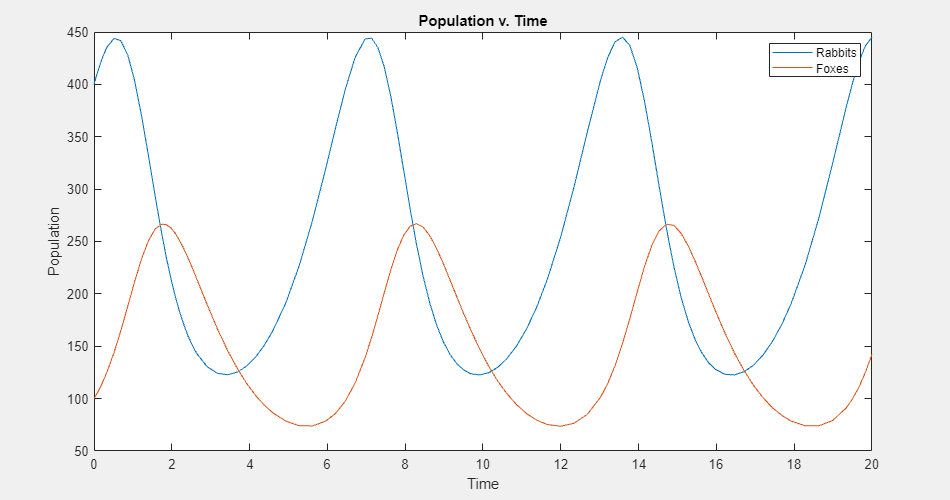
Experiment with Predator-Prey Equations
Explore different coefficients and initial values for a system of differential equations.
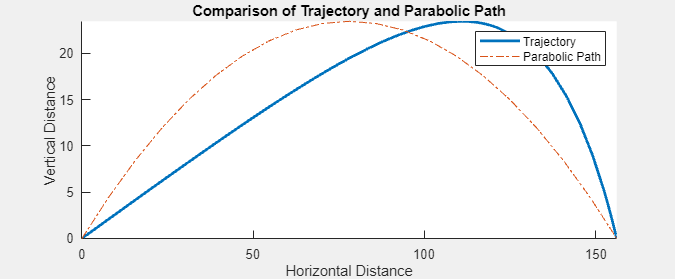
Compare Air Resistance Models for Projectile Motion
Calculate projectile trajectories assuming different models for air resistance.

