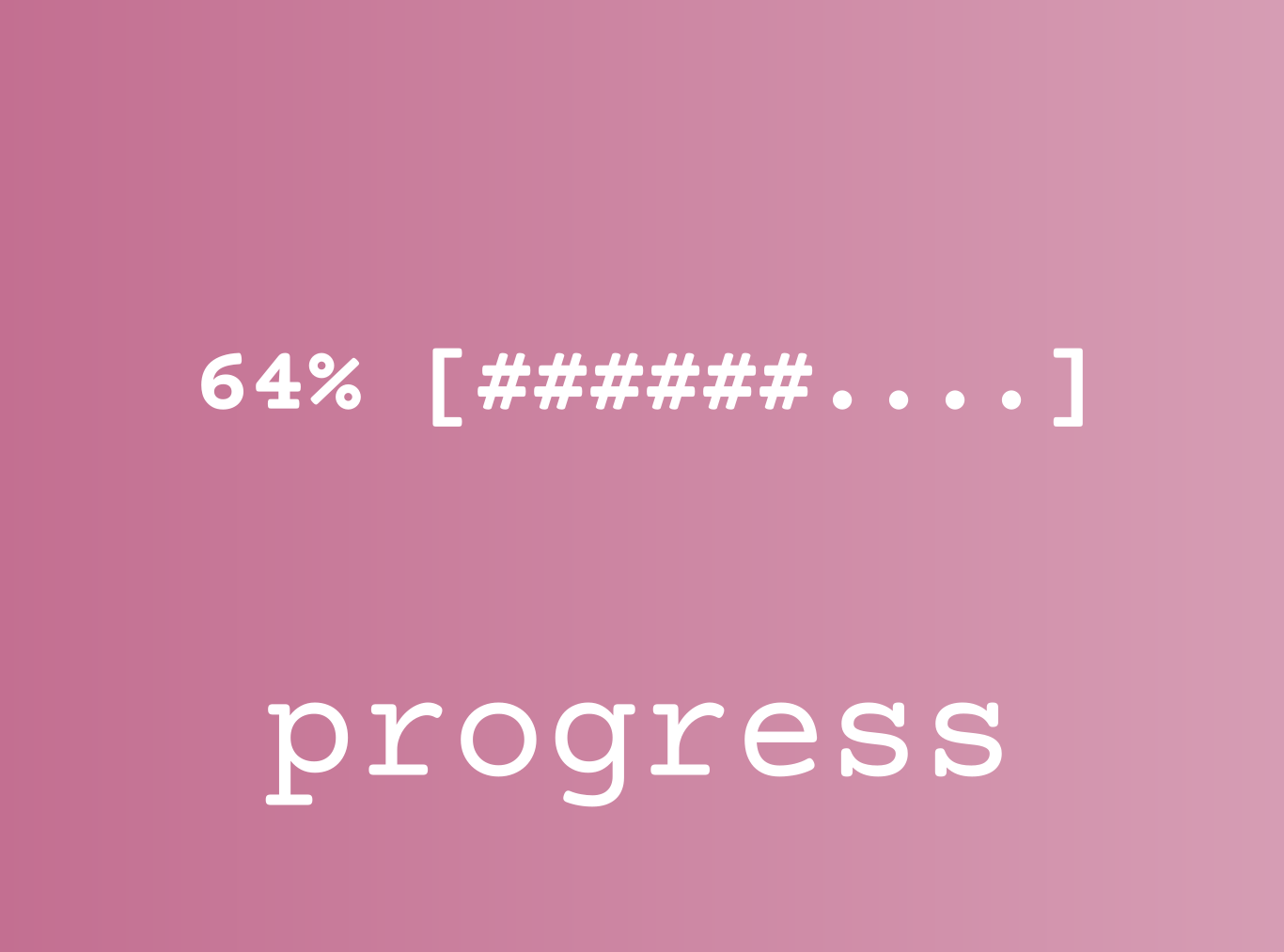
Simple command line progress bar
Sie verfolgen jetzt diese Einreichung
- Aktualisierungen können Sie in Ihrem Feed verfolgter Inhalte sehen.
- Je nach Ihren Kommunikationseinstellungen können Sie auch E-Mails erhalten.
## Usage
`progress('_start')` initializes a new progress bar. Must always be called first.
`progress(i)` updates the progress bar. `i` is a percentage.
`progress(i, m)` is similar, but a percentage is automagically calculated, where `i` is the current step and `m` the maximum number of steps.
`progress('_end')` ends the progress bar.
`progress('_erase')` ends the progress bar and removes if from the command window, restoring it to the way it was before the progress bar was initiated.
`progress(message)` ends the progress bar and adds message after the bar.
`progress(..., opts)` uses options from the struct opts. See below.
## Options
`opts.percentageLength`: sets the number of characters reserved for the percentage display (default: 5)
`opts.barLength`: sets the number of characters reserved for the progress bar (default: 48)
`opts.charEmpty`: sets the "empty" character (default: '.')
`opts.charFilled`: sets the "filled" character (default: '#')
Zitieren als
Yarmo Mackenbach (2026). progress (https://github.com/YarmoM/progress), GitHub. Abgerufen .
Allgemeine Informationen
- Version 1.0.1 (2,51 KB)
-
Lizenz auf GitHub anzeigen
Kompatibilität der MATLAB-Version
- Kompatibel mit allen Versionen
Plattform-Kompatibilität
- Windows
- macOS
- Linux
Versionen, die den GitHub-Standardzweig verwenden, können nicht heruntergeladen werden
| Version | Veröffentlicht | Versionshinweise | Action |
|---|---|---|---|
| 1.0.1 |
