Create and Customize IBIS-AMI Models
R2026bUse the SerDes Designer app to develop a SerDes system based on statistical BER analysis. Export the SerDes system to a Simulink® environment.
Customize the building blocks to perform further statistical and time-domain analysis. Modify the AMI parameters to transfer them to AMI model executables (DLLs). Once you are satisfied with the system, you can generate the IBIS-AMI model from Simulink.

Apps
| SerDes Designer | Design and analyze SerDes systems for export to Simulink, MATLAB and IBIS-AMI |
Topics
- Signal Integrity Link
This example shows how to test the IBIS-AMI SerDes models developed in SerDes Toolbox™ using the Signal Integrity Toolbox™.
- SerDes IBIS-AMI Manager
Learn how to use the SerDes IBIS-AMI Manager to configure SerDes systems.
- Programmatically Access IBIS-AMI Parameter Manager
Control the IBIS-AMI parameters from the MATLAB® command window.
- Manage Contents of IBIS and AMI files
Manage the contents of the generated IBIS and AMI files using SerDes IBIS-AMI Manager.
- Generate HSPICE Simulation Decks for IBIS Characterization
You can write your own HSPICE or Spectre simulation decks (testbenches) to produce the input data for the IBIS Designer SPICE Simulation workflow.
- Correlate an IBIS Model Against Its Source SPICE Model
Use this topic to verify the accuracy of a generated IBIS model by comparing its transient waveforms against the original transistor-level SPICE model.
- Understanding IBIS-AMI Simulations
Learn how IBIS specifications are used in statistical and time-domain simulations.
- SerDes Toolbox Support Package for Linux Cross-Compiler
Build and install a Linux® cross-complier for a Windows® machine.
Featured Examples
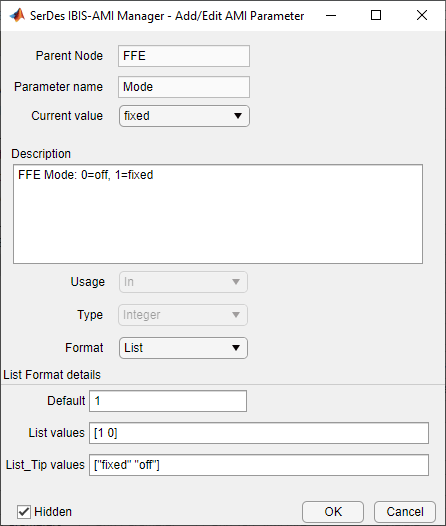
Managing AMI Parameters
Add, delete, modify, rename, and hide AMI parameters for an IBIS-AMI model built with SerDes Toolbox™. These AMI parameters are then available to be used with existing datapath blocks, user-created MATLAB® function blocks or optimization control loop, and can be passed to or returned from the AMI model executables (DLLs) created by SerDes Toolbox.
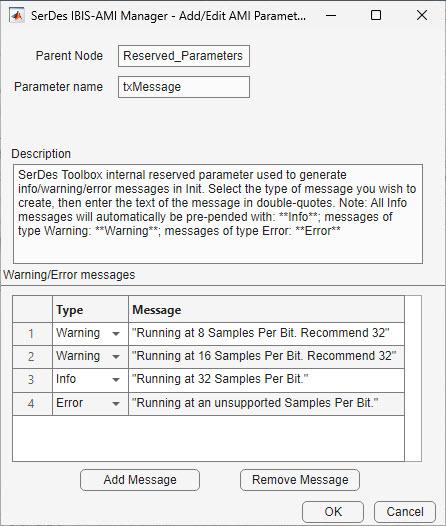
Output Custom Messages from IBIS-AMI Models
Generate informational, warning, and error messages that can be output by a Tx or Rx IBIS-AMI Model executable during the initialization phase of simulation.
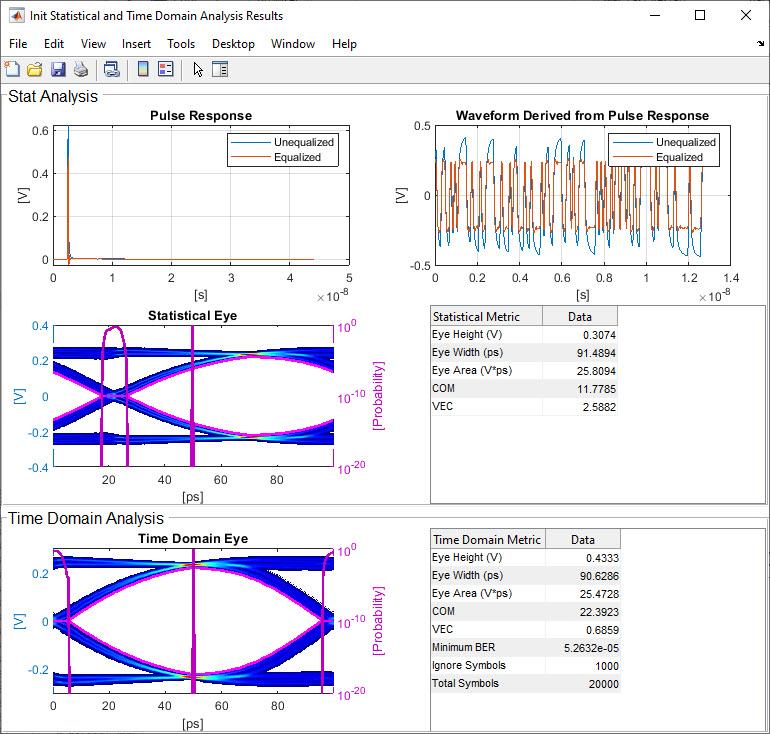
Design IBIS-AMI Models to Support Rx Decision Time
Create Rx AMI models that support Rx Decision Time as defined in the IBIS (I/O Buffer Information Specification) version 7.1, by modifying the library blocks in SerDes Toolbox™. This example will use a typical SerDes Rx AMI model to demonstrate the setup.
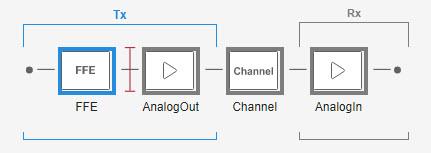
Design IBIS-AMI Models to Support Clock Forwarding
Create Rx AMI models that support clock forwarding as defined in the IBIS 7.1 specification by modifying the library blocks in SerDes Toolbox™. This example will use a DDR5 write transfer (Controller to SDRAM) to demonstrate the setup.
Design IBIS-AMI Models to Support DC Offset
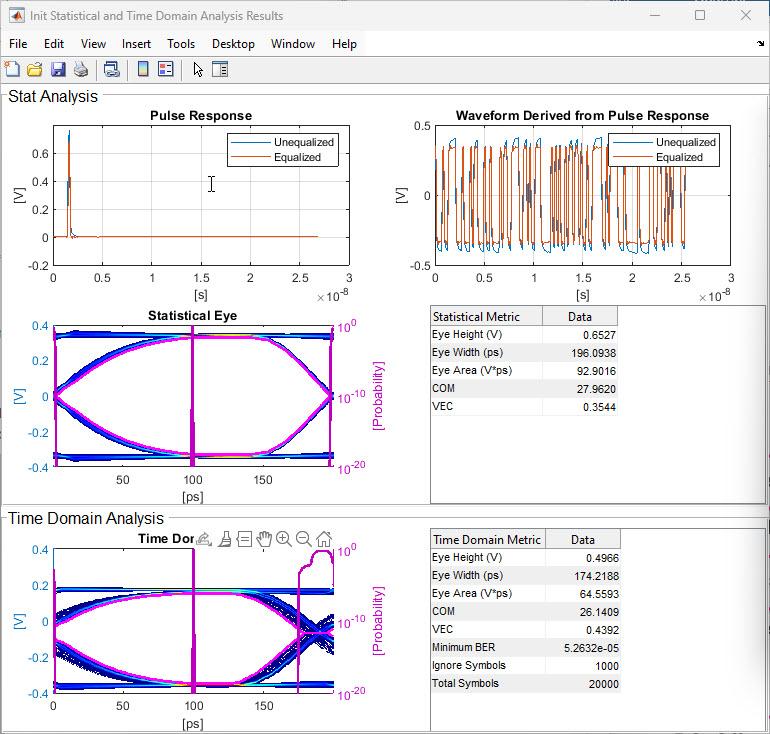
Create Rx AMI models that support DC Offset as defined in the IBIS 7.1 specification by modifying the library blocks in SerDes Toolbox™. This example will add DC Offset to a Saturation block to demonstrate the setup and impact of DC Offset.
Level Separation Mismatch Ratio (RLM) Using IBIS-AMI
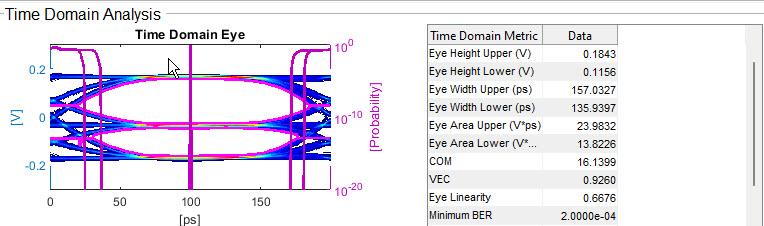
Add Transmitter Level Mismatch (RLM) to a transmitter (Tx) and how to calculate the resulting level separation mismatch ratio at the receiver (Rx) with IBIS-AMI models.
Simulate Crosstalk Cancellation in IBIS AMI Receiver Models
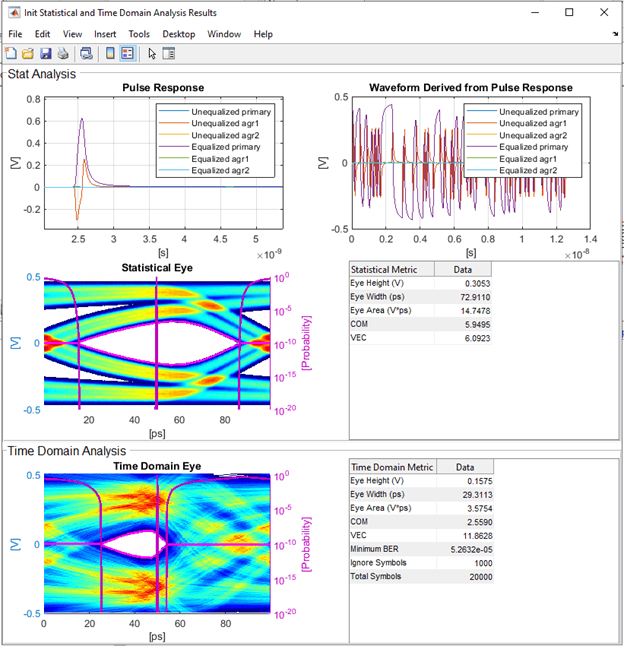
Simulate crosstalk cancellation in a SerDes Rx AMI model. You can disable crosstalk cancellation or select a specific aggressor column in the impulse_matrix to cancel. You can also replace the filter used in the example cancellationFilter.m with a CTLE that represents the filter implemented in the hardware.
Create IBIS Model from Electrical Specifications
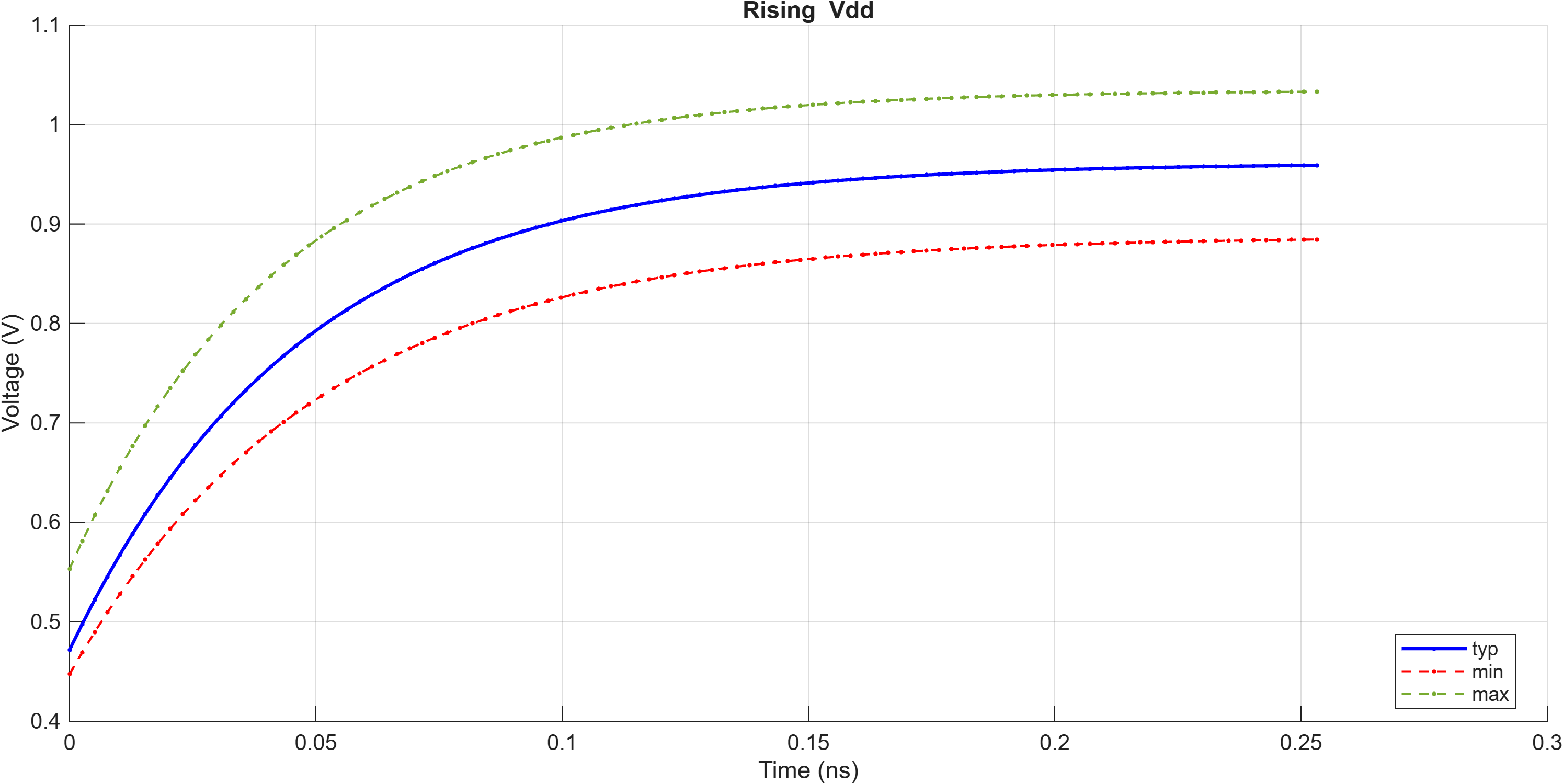
Use the IBIS Designer app to create a complete IBIS (I/O Buffer Information Specification) model from a set of electrical parameters derived from a datasheet or design specification. This workflow, called the Parameterized Model flow, generates IV curves, VT waveforms, and C_comp analytically without requiring SPICE simulation data.
Create IBIS Model from SPICE Simulation Data
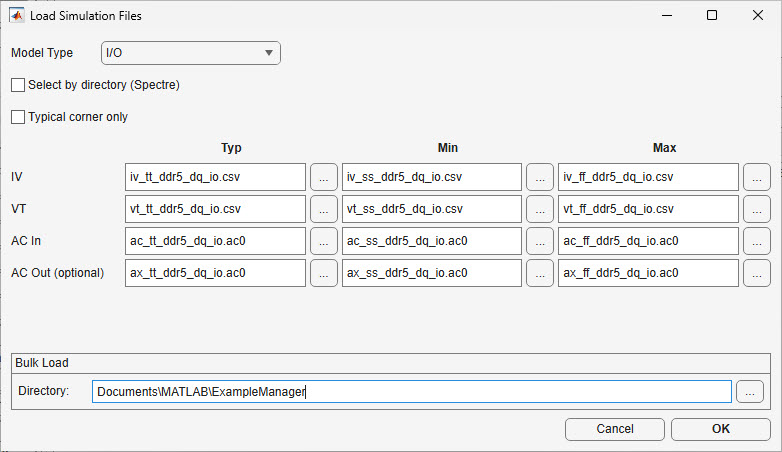
Use the IBIS Designer app to create a complete IBIS (I/O Buffer Information Specification) model from SPICE simulation output files. This workflow, called the SPICE Simulation flow, reads DC sweep (IV), transient (VT), and AC admittance (AC) data from your circuit simulator, extracts the relevant curves, and assembles a standards-compliant IBIS file.

