Gazebo Co-Simulation
R2026bCreate high-fidelity simulations by interfacing with Gazebo MATLAB® functions and Simulink® blocks.
Functions
Blocks
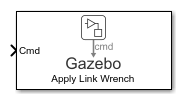 | Gazebo Apply Command | Send command to Gazebo simulator |
 | Gazebo Blank Message | Create blank Gazebo command |
 | Gazebo Pacer | Settings for synchronized stepping between Gazebo and Simulink |
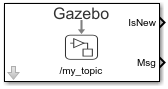 | Gazebo Read | Receive messages from Gazebo server |
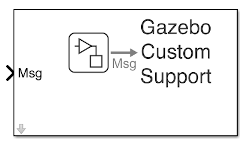 | Gazebo Publish | Send custom messages to Gazebo server |
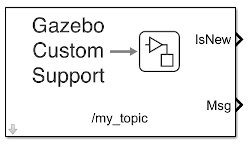 | Gazebo Subscribe | Receive custom messages from Gazebo server |
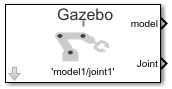 | Gazebo Select Entity | Select a Gazebo entity |
Topics
- Gazebo Simulation for Robotics System Toolbox
Learn how to use robotics algorithms in MATLAB and Simulink and visualize their performance in a virtual environment using the Gazebo simulator.
- Gazebo Simulation Environment Requirements and Limitations
When simulating in the Gazebo environment, keep these software requirements, minimum hardware recommendations, and limitations in mind.
- How Gazebo Simulation for Robotics System Toolbox Works
Learn about the co-simulation framework between MATLAB and Simulink and the Gazebo simulator.
- Run and Connect to Multiple Gazebo Sessions from Simulink
Run multiple Gazebo sessions in a virtual machine (VM) and connect to these sessions simultaneously from Simulink using the
parsimfunction. - Configure Gazebo and Simulink for Co-simulation of a Manipulator Robot
Set up UR10 robot model for co-simulation between Gazebo and Simulink, enabling direct connection and control over model simulation pacing.
Featured Examples
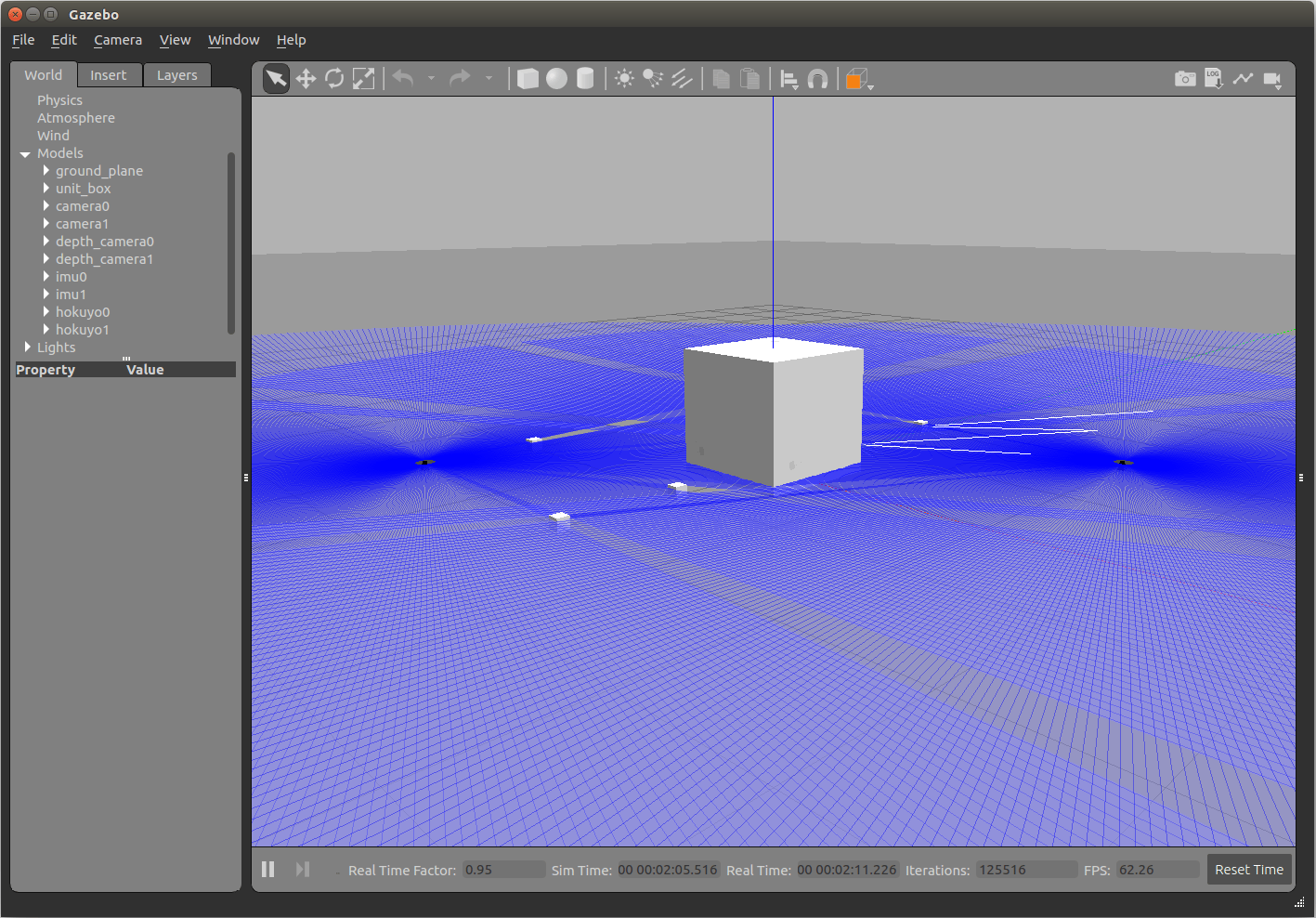
Perform Co-Simulation Between Simulink and Gazebo
Set up a synchronized simulation between Simulink and Gazebo to send commands and receive data from Gazebo.
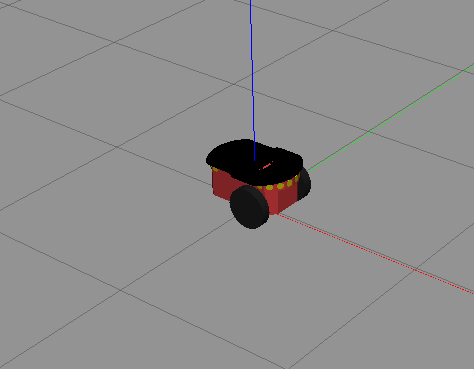
Control Differential Drive Robot in Gazebo with Simulink
Control the Pioneer differential drive robot in Gazebo co-simulation using Simulink.
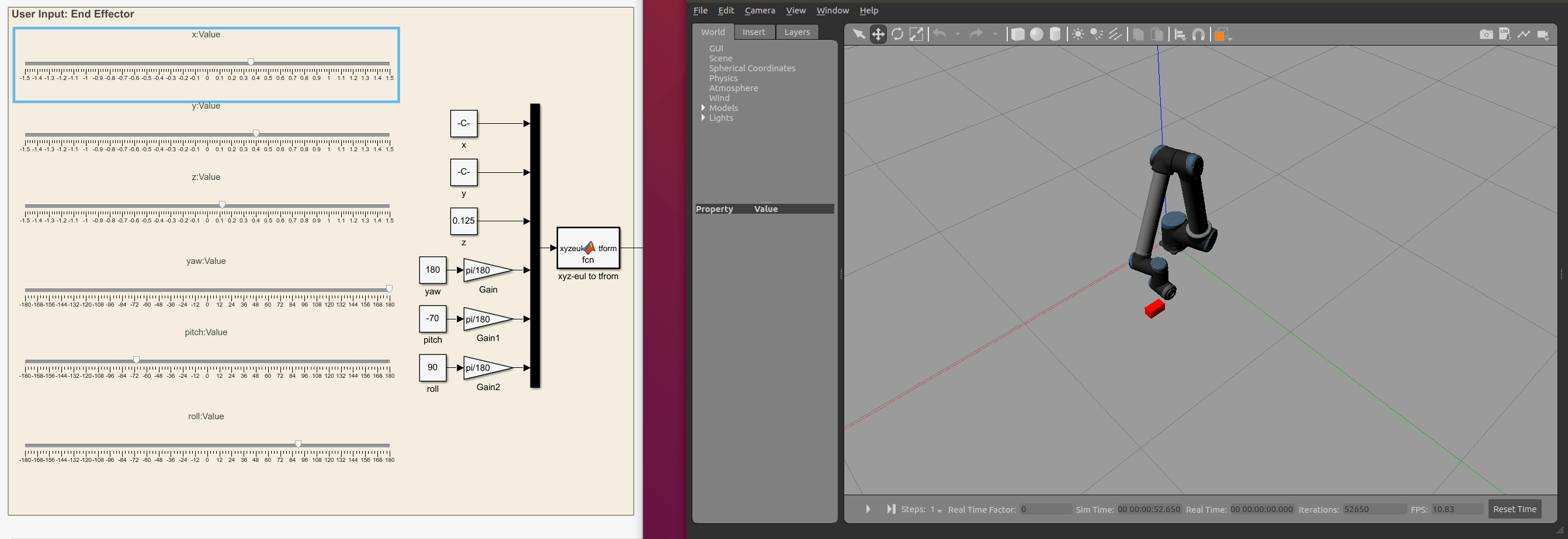
Control Manipulator Robot with Co-Simulation in Simulink and Gazebo
Control a robotic manipulator through co-simulation between Simulink and Gazebo, to model robot behavior and control Gazebo simulation pace.
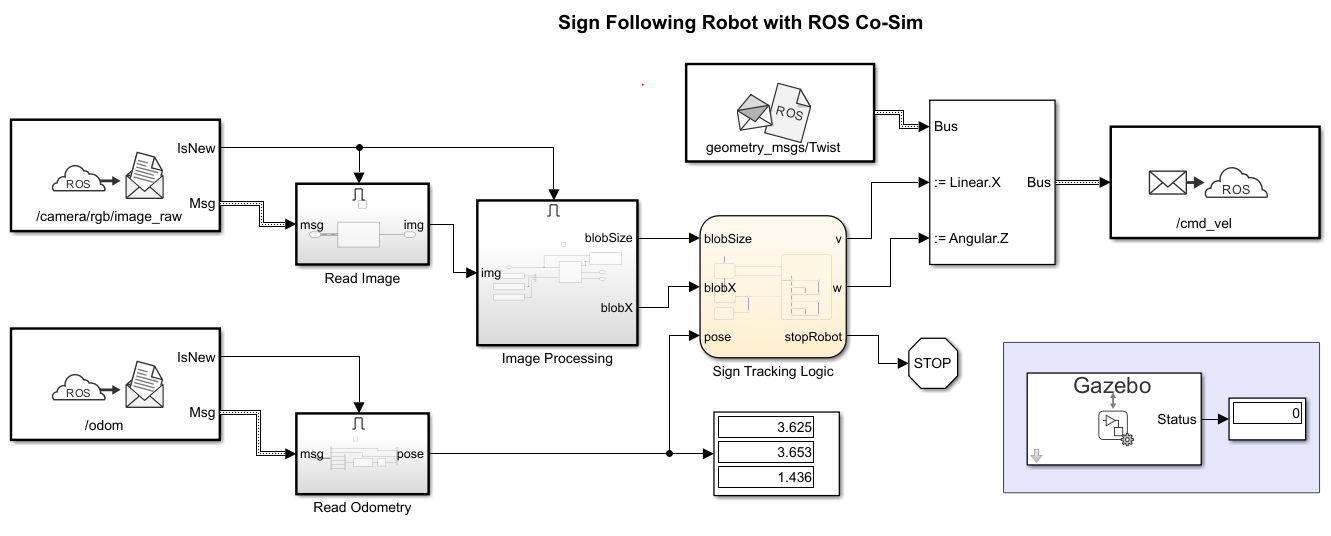
Sign Following Robot with Time Synchronization Using ROS and Gazebo Co-Simulation
Use Simulink to enable synchronized simulation between ROS and Gazebo using the Gazebo Pacer block.

