Room Acoustics Simulation
R2026bRoom Acoustics Simulation augments Audio Toolbox™ by providing tools to simulate and analyze sound propagation in enclosed spaces. You can synthesize room impulse responses by defining room geometry, surface material properties, and source and receiver positions, and by simulating reflections and reverberation using image‑source and stochastic ray‑tracing methods. These methods can be used independently or combined, with configurable parameters to balance modeling accuracy and computational cost. GPU acceleration is available for ray tracing.
You can work with simple shoebox rooms or import complex geometries (for example, from STL files) and generate multi‑channel impulse responses for multiple receiver locations, capturing early reflections and late reverberation. The generated room impulse responses can be used to analyze room acoustics (such as estimating RT60 or clarity metrics), evaluate audio and speech processing algorithms, train and validate AI models, and test audio system or communication device performance under realistic reverberation before physical prototyping.
Functions
Featured Examples
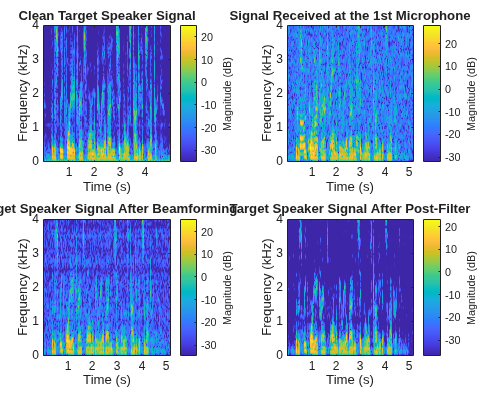
Room Acoustic Beamforming Using Relative Transfer Functions
Use adaptive beamforming with Relative Transfer Functions to extract a target speech signal.
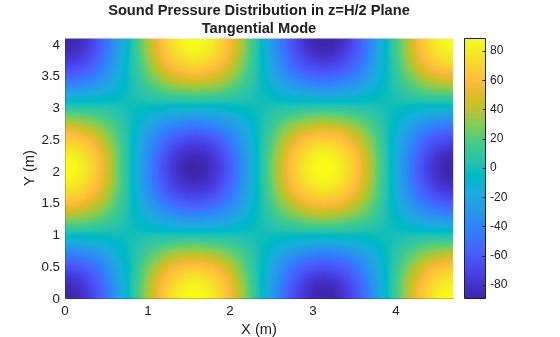
Find Room Modes with Finite Element Analysis
Learn how to find room modes using Partial Differential Equation Toolbox™.
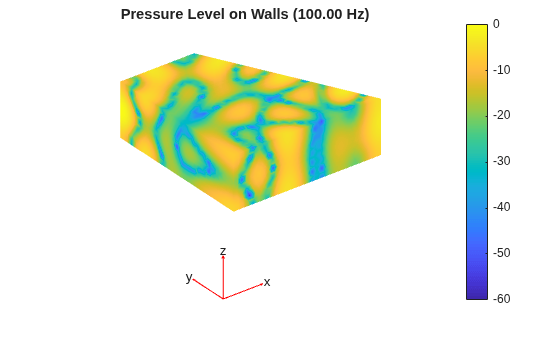
Compute Acoustic Room Transfer Function with Finite Element Analysis
Learn how to compute the room transfer function between a source and receiver.
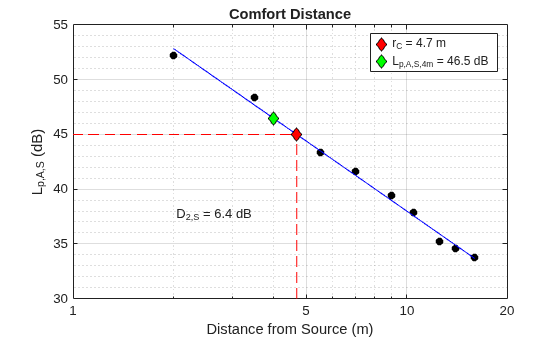
Comfort Distance and Distraction Distance (ISO 3382-3)
Compute the comfort distance and distraction distance for an open-office plan.
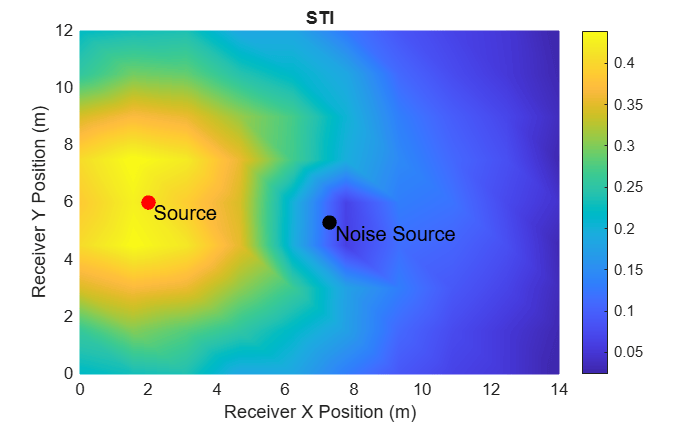
Model, Evaluate, and Design Acoustic Spaces
Learn how to model, analyze, and optimize the acoustics of an indoor space.
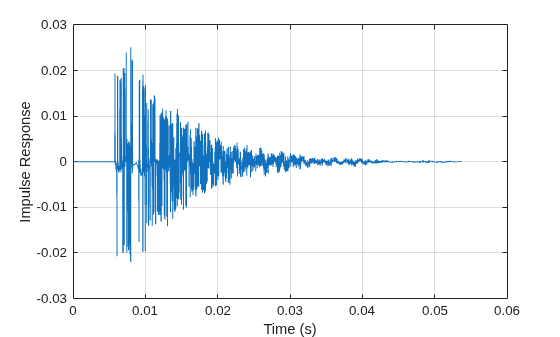
Room Impulse Response Simulation with Stochastic Ray Tracing
Use stochastic ray tracing to simulate the impulse response of a simple room.
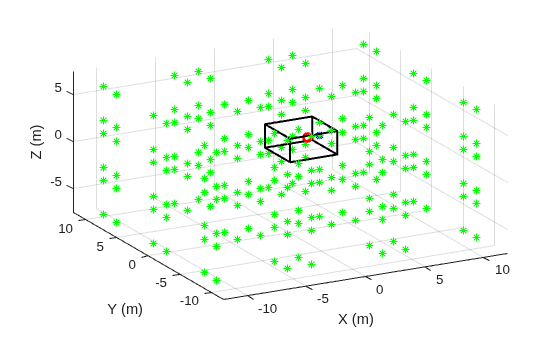
Room Impulse Response Simulation with the Image-Source Method and HRTF Interpolation
Simulate the impulse response of a "shoebox" (cuboid) empty room.

