Address Missing Coverage
R2026bTo focus your coverage results on the aspects of your design that you want to test, you use filters to exclude elements or justify unsatisfied outcomes that you do not intend to exercise. The remaining coverage gaps might indicate insufficient testing, missing requirements, or incorrect implementation. To address these coverage gaps, you can then create additional tests, extend existing tests, refine requirements, or edit your model.
Classes
Model Settings
Topics
Exclude or Justify Coverage Results
- Coverage Filtering
Use coverage filtering to narrow the scope of your model coverage. - Coverage Filter Rules and Files
Manage coverage filter rules attached to your model. - Create, Edit, and View Coverage Filter Rules
Workflow to filter model objects from the coverage recording. - Filter Code Coverage Outcomes
Types of code coverage outcomes you can filter from coverage recording.
Address Testing and Requirements Gaps
- How to Address Coverage Testing Gaps
Determine which actions to take to address coverage testing gaps. - Perform Functional Testing and Analyze Test Coverage
Analyze functional dependencies, test model components in isolation, create suites of test cases, test models, and code to achieve coverage. - Assess Coverage Results from Requirements-Based Tests
Assess extent to which requirements-based tests exercise the corresponding design.
Featured Examples
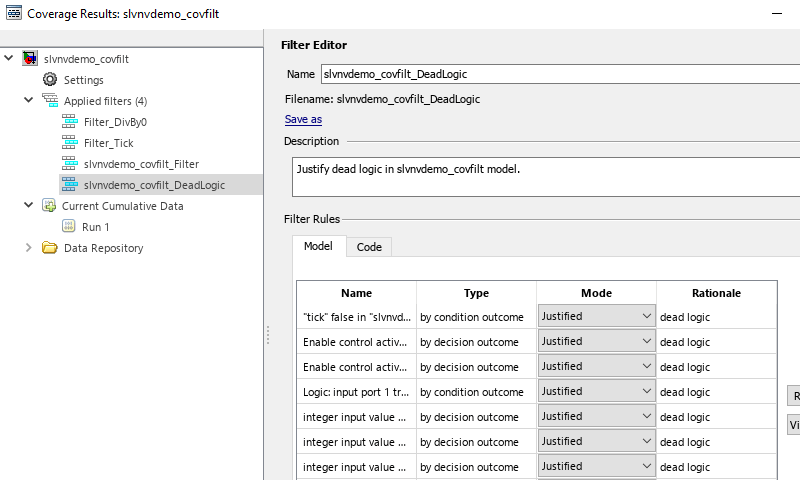
Creating and Using Coverage Filters
Use coverage filters to exclude model elements from coverage analysis and justify missing coverage in reports.
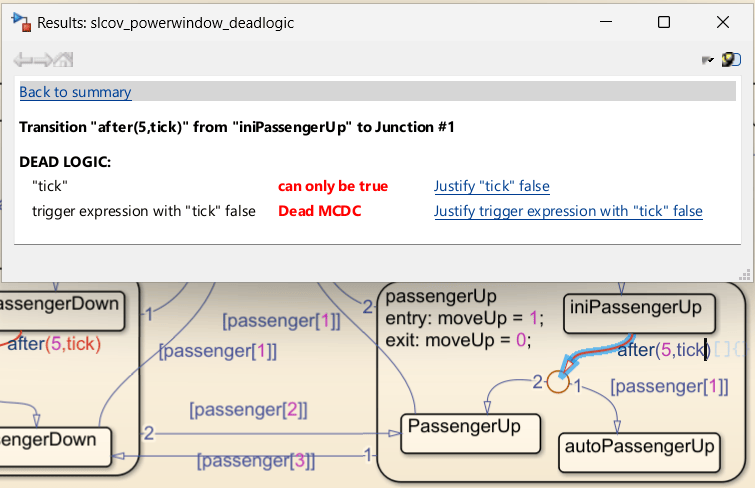
Identify and Resolve Missing Coverage Caused by Dead Logic
Use Simulink® Design Verifier™ to identify and resolve missing coverage associated with dead logic in the Simulink Coverage™ report.
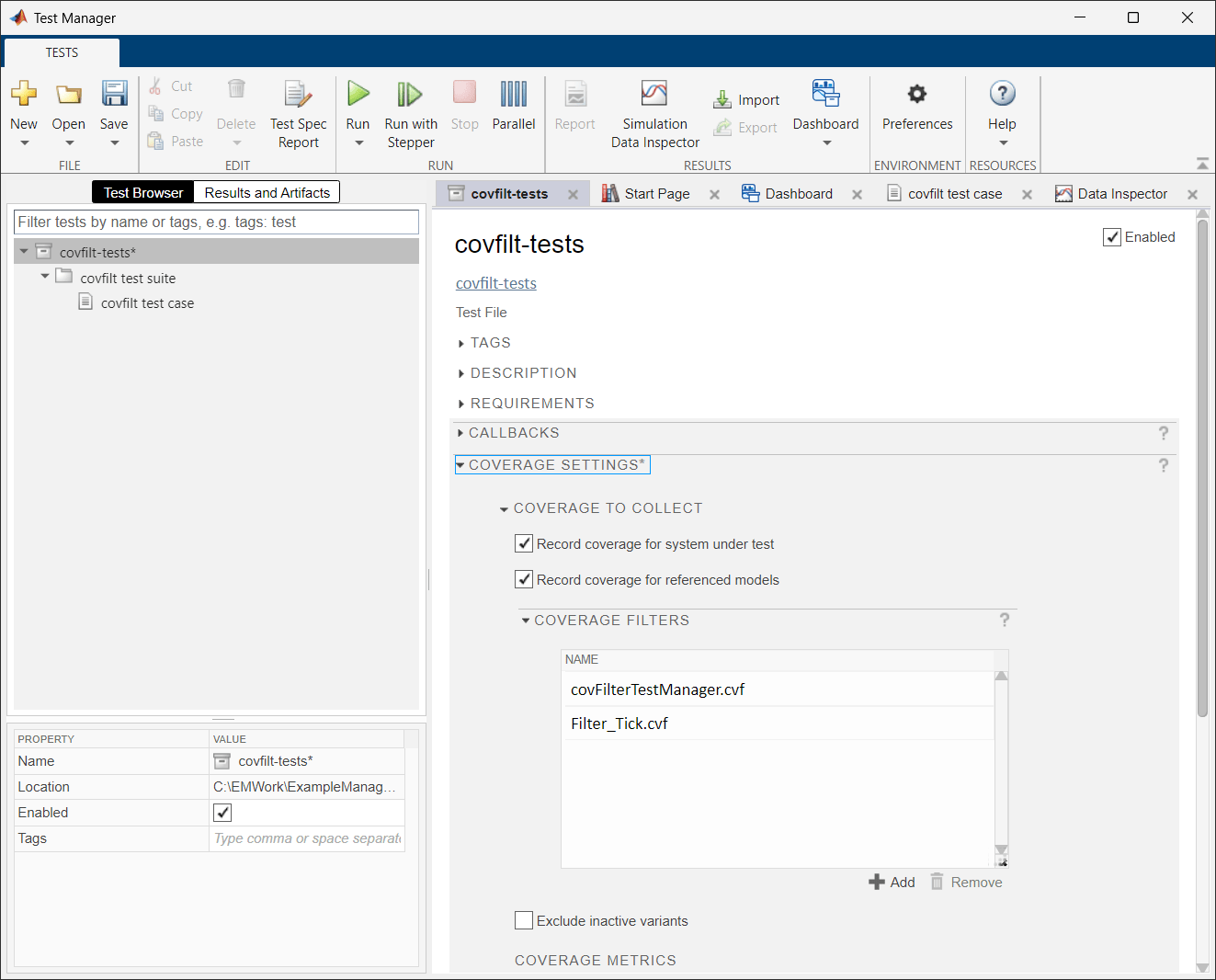
Filter Model Coverage Outcomes Using Simulink Test Manager
Multiple ways of applying coverage filters to coverage results with Simulink Test™ Manager, and how to apply an existing coverage filter to future runs of a test suite. For an example of coverage filtering that does not use Simulink Test Manager, see Creating and Using Coverage Filters.
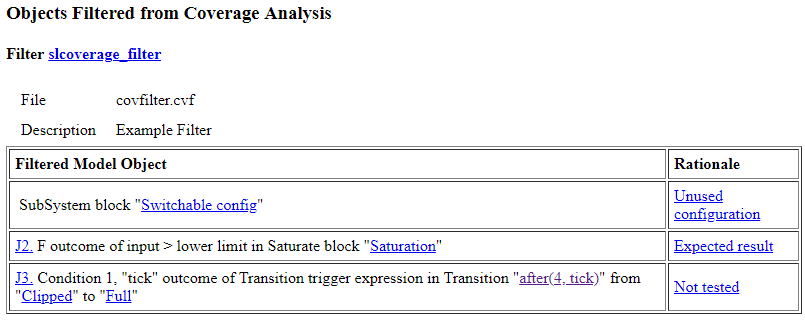
Filter Coverage Results Using a Script
Learn how to use the Simulink® Coverage™ coverage filtering API to filter model coverage outcomes.
Fix Requirements-Based Testing Issues
Fix model testing quality issues by using the Model Testing Dashboard.

