ROS 2 Bag File Logging and Analysis
R2026bROS Toolbox allows access to the message data in ROS 2 bag files orros2bags. You can filter the ROS 2 data and execute offline analysis in these ros2bag files.
To extract message data from a ros2bag log file, use the ros2bagreader object. To write logs to a ros2bag log file, use the
ros2bagwriter object. To record data to a ros2bag log file, use the
ros2bagrecorder object. To play the bag file data recorded to the ROS
2 network, use the ros2bagplayer object. You can also record ROS 2 messages during a
Simulink® simulation by using the ROS 2 Logger app. For more
information, see Use ROS 2 Logger App to Save ROS 2 Messages from Simulink.
To visualize the messages in ROS 2 bag log file or view a live ROS 2 topic, use the ROS Data Analyzer app.
Apps
| ROS Data Analyzer | Visualize messages from live ROS or ROS 2 topics, bag files, and MCAP files with non-ROS schemas (Since R2023a) |
Functions
Blocks
 | Read Data | Play back data from ROS 2 log file |
Topics
Bag File Analysis
- Get Started with ROS Data Analyzer App
Use ROS Data Analyzer app to visualize messages from live ROS or ROS 2 topics and bag files.
Bag Logging in Simulink
- Log ROS 2 Messages from Simulink to ROS 2 Bag File
Save ROS 2 message data from Simulink to a ros2bag file.
Featured Examples
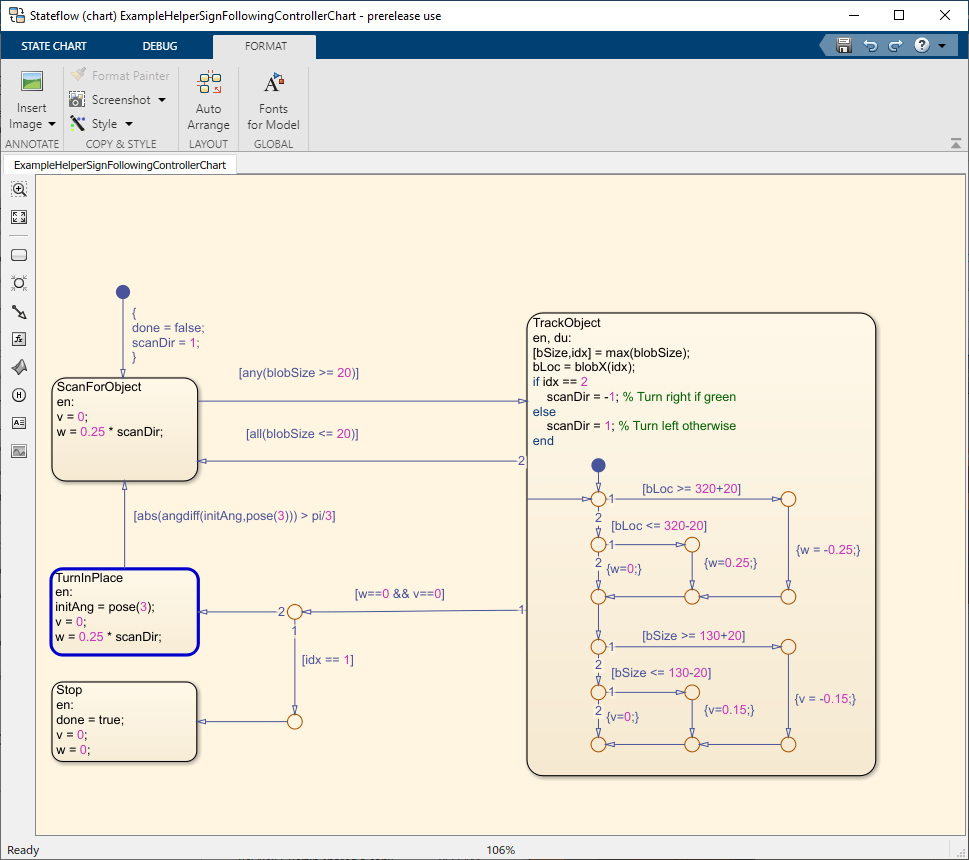
Sign-Following Robot with ROS 2 in MATLAB
Control a simulated robot running on a separate ROS-based simulator over ROS 2 network in MATLAB® and generate a ROS 2 node for the control algorithm to deploy it to a remote device.
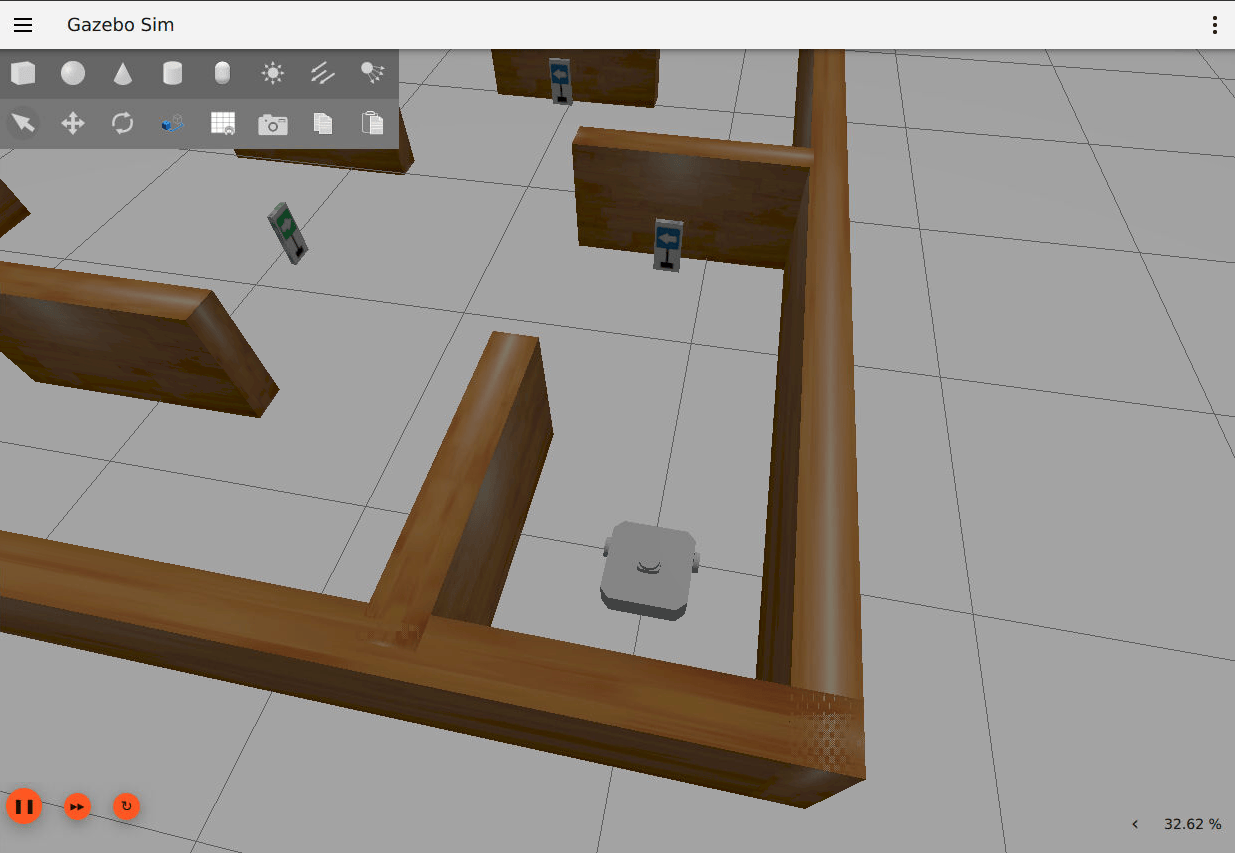
Sign-Following Robot with ROS 2 in Simulink
Use Simulink to control a simulated robot running on a separate ROS-based simulator over ROS 2 network.
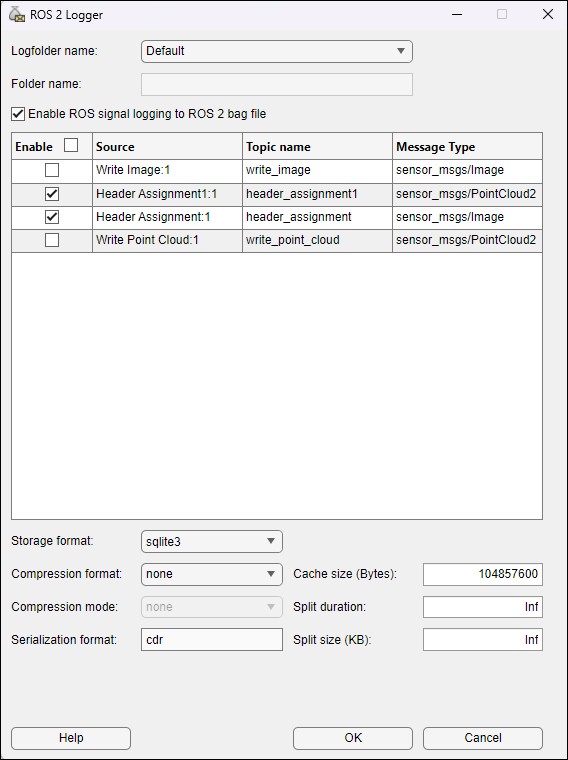
Use ROS 2 Logger App to Save ROS 2 Messages from Simulink
Use ROS 2 Logger app to record ROS 2 messages during Simulink simulation.
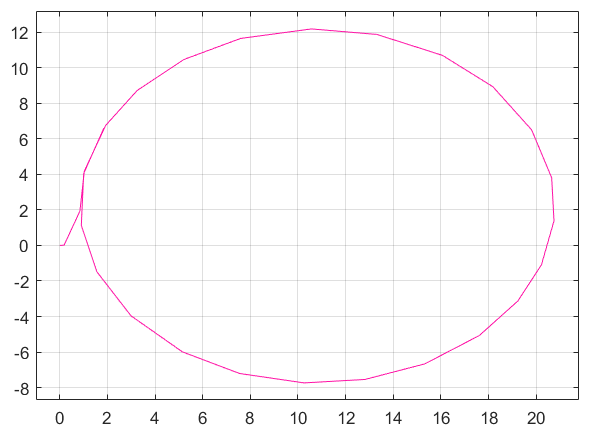
Play Back Data from ROS 2 Bag Logfile in Simulink
Use the Read Data block to play back data from a ROS 2 bag file.
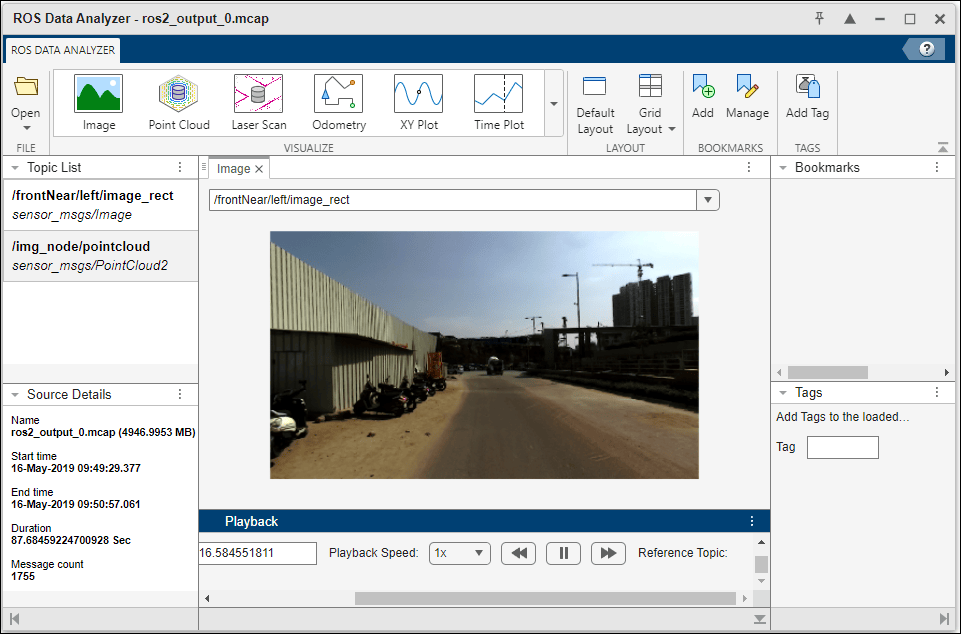
Read and Visualize ROS 2 bags in AWS S3 Cloud
Read and visualize ROS 2 bags stored in AWS® S3 cloud using ROS Toolbox and a customized MATLAB reference architecture.

