Choose Approach to Annotate ROIs in Images
R2026bA region of interest (ROI) is a portion of an image that you want to annotate, filter, or operate on. You can create ROI objects that represent circles, ellipses, polygons, lines, polylines, rectangles, and hand-drawn shapes. You can display ROI objects to annotate an image in a standalone display or in an app you build. Each ROI object stores information about its position, appearance, and behavior as object properties.

Image Processing Toolbox™ provides three approaches for creating, displaying, and interacting with ROI objects on images. All options enable you to create and modify shapes on images, but they differ in performance, supported features, and intended use cases. The purpose of this page is to help you choose an approach for your use case.
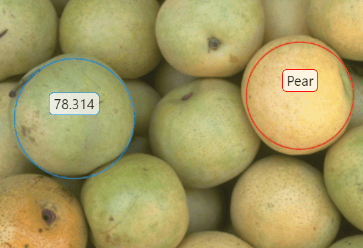
| Use When You Need | Approach | Sample Image | More Information |
|---|---|---|---|
| Use interactive viewer-based
ROIs (since R2026a) to draw and edit shapes on images and volumes
displayed using Create interactive
ROIs by using the |
| Create Interactive Viewer-Based ROIs |
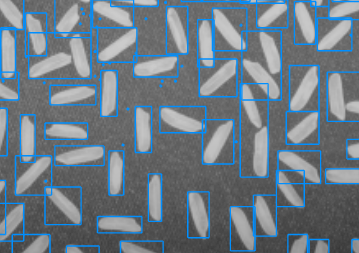
| Use static viewer-based
ROIs (since R2026b) to efficiently display many non-interactive shapes
on images and volumes displayed using Create static ROIs by
using the |
| Create Static Viewer-Based ROIs |
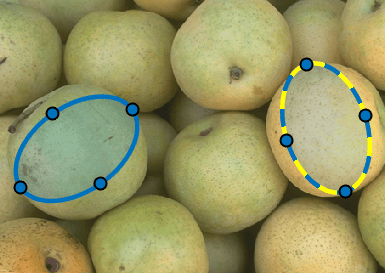
| Use axes-based ROIs to integrate with MATLAB®
Graphics Objects and
Create axes-based ROIs using these functions:
|
| Create Axes-Based ROIs |
See Also
uidraw | uiannotate | drawassisted | drawcircle | drawellipse | drawfreehand | drawline | drawpolygon | drawpolyline | drawrectangle | createMask

