Download and Install Third-Party Tools
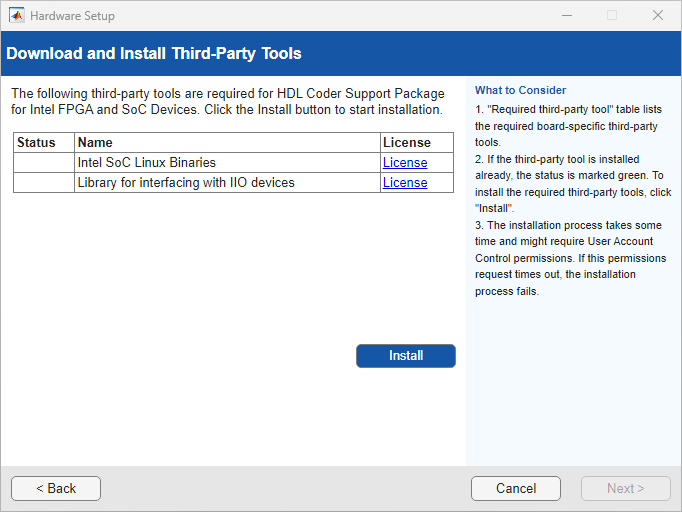
R2026bIn this step, you download the third-party tools required for your target hardware board. You can install the SoC Embedded Design Suite or the PCI Express Driver. You can use the Hardware Setup tool to automatically install the software you need or manually select the software to install.
Download Required Third-Party Tools
On the Choose Download Mode for Third-Party Tools page, you can choose to automatically or manually download and install third-party tools for your board.
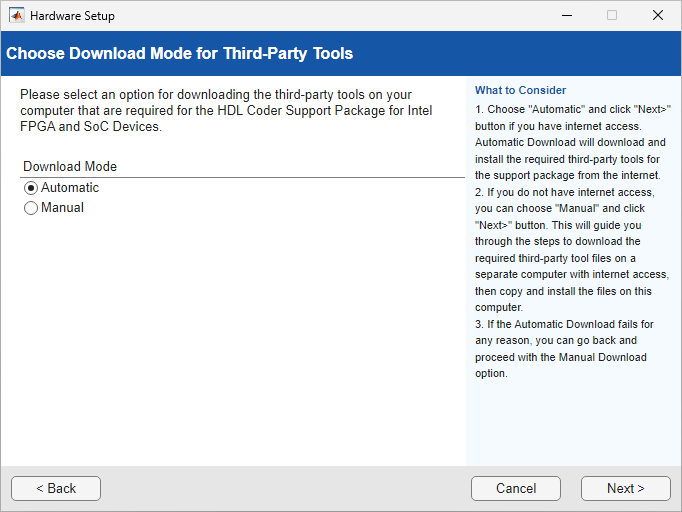
If you select Automatic, the Hardware Setup tool downloads
and installs the third-party tools required for hardware setup from the internet to
your development computer. The host computer must have internet connectivity. After
the installation is complete, the third-party tools are available in the
support_package_installation_folder/3P.instrset/
folder. To get the path to the support package root folder, use the matlabshared.supportpkg.getSupportPackageRoot
function.
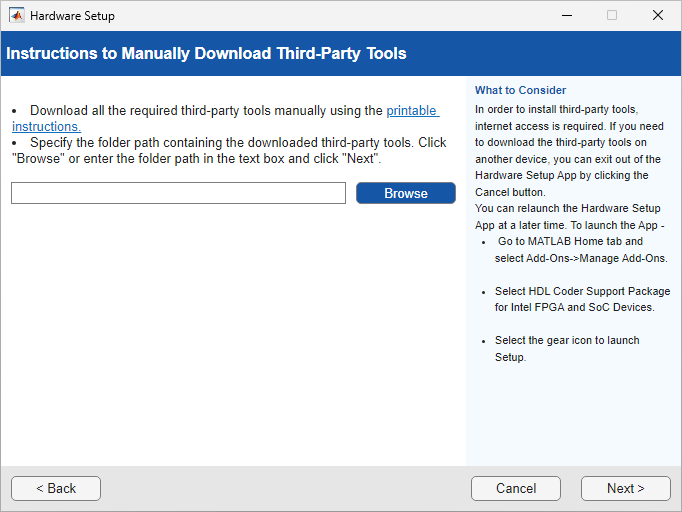
If the development computer does not have internet access, you can select Manual to manually download the third-party tools. The wizard provides step-by-step instructions for downloading the required third-party tools. Use another computer with internet access to download these tools and then transfer them to the development computer. Then, specify the folder path that contains third-party tools and click Next.
Install Intel SoC Embedded Design Suite
To deploy and run the Linux® ARM® applications on the Altera® SoC hardware, download the Altera SoC FPGA Embedded Development Suite (EDS). Click Download link for version 17.0.
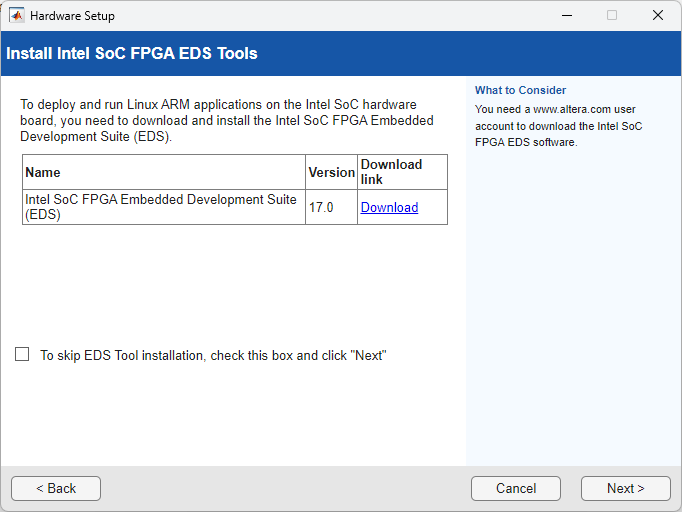
If you do not want to install the EDS tool, select the check box and click Next.
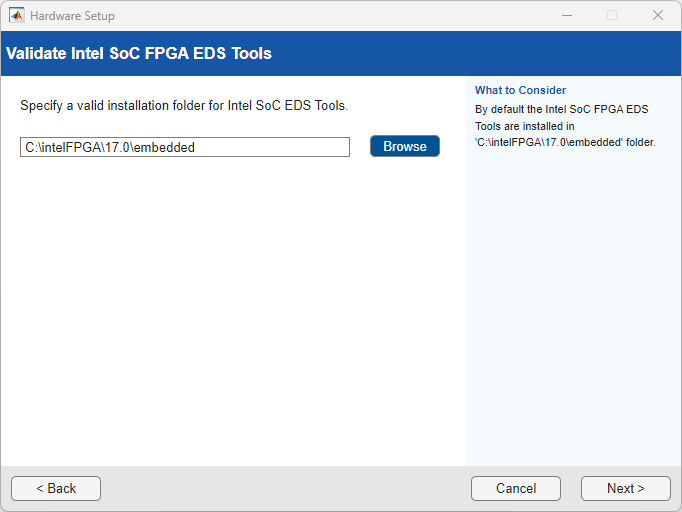
After the software download completes, click Next. On the Validate Intel SoC FPGA EDS Tools page, provide the installation folder path of the Altera SoC FPGA Embedded Development Suite tool and click Next.
Install PCI Express Driver
This step is required only if you select the PCI Express® interface. If you have already installed the PCI Express drivers, you can skip this step.
You must install the PCI Express drivers before you use FIL, FPGA data capture, or AXI manager with a PCI Express connection. The process can take 10 or more minutes, and might require system administrator privileges.
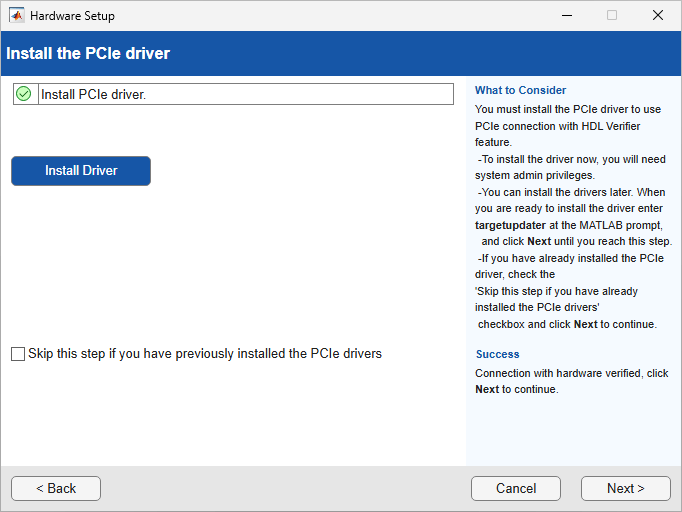
You can install the drivers now, or choose to perform the setup again later. To run the support package setup, on the MATLAB® Home tab, in the Environment section, select Help > Check for Updates.

