Read Parameter
R2026bRead Parameter block
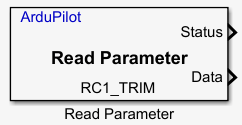
To add a block to a model, double-click the canvas and start typing the block name. Then, select the block from the list.
Libraries:
UAV Toolbox Support Package for ArduPilot Autopilots /
Utility Blocks
Description
Add-On Required: This feature requires the UAV Toolbox Support Package for ArduPilot Autopilots add-on.
The Read Parameter block reads the value of a specified ArduPilot® parameter. The block outputs the parameter value as a scalar of data type
single, 32-bit floating-point type with up to 24 bits of mantissa
precision.
Use this block to read the ArduPilot parameter values (set via a GCS like QGroundControl or Mission Planner) for
real-time monitoring and closed-loop tuning by feeding live parameter values directly into
the Simulink model. Typical use cases include reading the current flight mode status to
switch between controllers in Simulink, accessing parameter values such as P, I, and D
gains for use within control algorithms, and retrieving RC trim values (for example,
RC1_TRIM) via MAVLink. Specify the desired ArduPilot parameter name in the Parameter name
field.
Verify that the parameter value configured in ArduPilot follows the limits defined in the official ArduPilot parameter reference documentation. The parameter value must lie within the specified minimum and maximum range; otherwise, the system may exhibit undefined behavior.
Examples
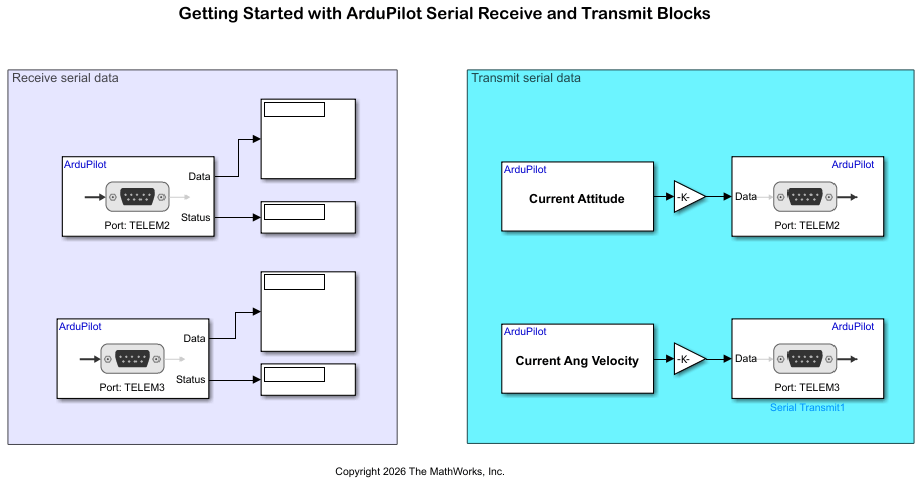
Getting Started with ArduPilot Serial Receive and Transmit Blocks
Configure two ArduPilot® telemetry ports for bidirectional loopback communication using Serial Transmit and Serial Receive blocks in Simulink®.
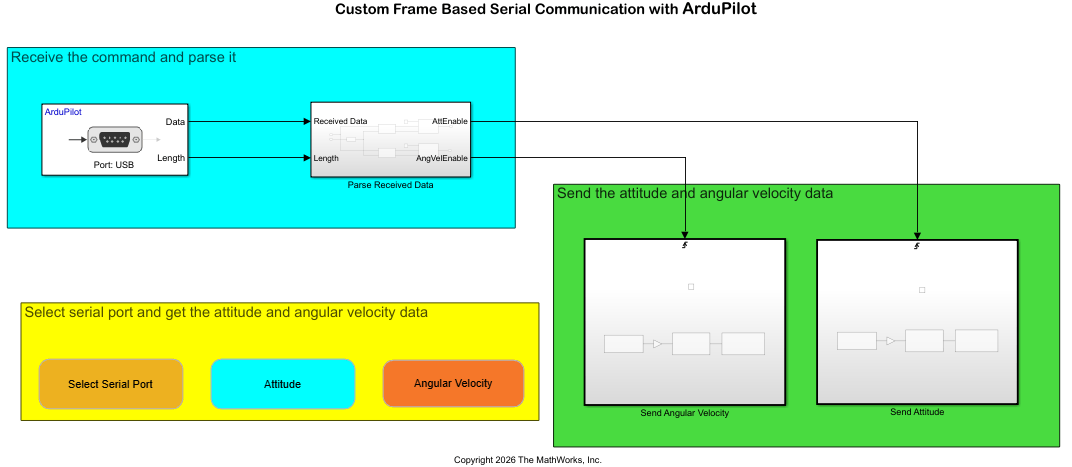
Send and Receive Custom Frame-Based Serial Data with ArduPilot
Send and receive custom frame-based serial data between a host computer and an ArduPilot® flight controller using the UAV Toolbox Support Package for ArduPilot Autopilots®. The example uses a request-response protocol in which a MATLAB® script on the host computer sends a data request, and the flight controller responds with the requested attitude or angular velocity data.
Ports
Output
Parameters
Version History
Introduced in R2026b

