Generate AUTOSAR Adaptive C++ Code and XML Descriptions
R2026bGenerate AUTOSAR-compliant C++ code and export AUTOSAR XML (ARXML) descriptions from AUTOSAR adaptive component model.
If you have Simulink Coder and Embedded Coder software, you can build AUTOSAR component models. Building an adaptive component model generates algorithmic C++ code and exports ARXML descriptions that comply with AUTOSAR Adaptive Platform specifications. Use the generated C++ code and ARXML descriptions for testing in Simulink or integration into an AUTOSAR adaptive run-time environment.
Prepare AUTOSAR Adaptive Component Model for Code Generation
Open an adaptive component model from which you want to generate AUTOSAR C++ code and ARXML descriptions.
Optionally, to refine model configuration settings for code generation, you can use the Embedded Coder Quick Start (recommended). This example uses the Embedded Coder Quick Start. From the Apps tab, open the AUTOSAR Component Designer app. On the AUTOSAR tab, click Quick Start. For more information about configuring software component models for the AUTOSAR Adaptive Platform, see Model AUTOSAR Adaptive Component and Elements in Simulink. When you open a model configured for the AUTOSAR Adaptive Platform it opens in the AUTOSAR software component perspective.
This example uses AUTOSAR software component model autosar_LaneGuidance.
open_system("autosar_LaneGuidance");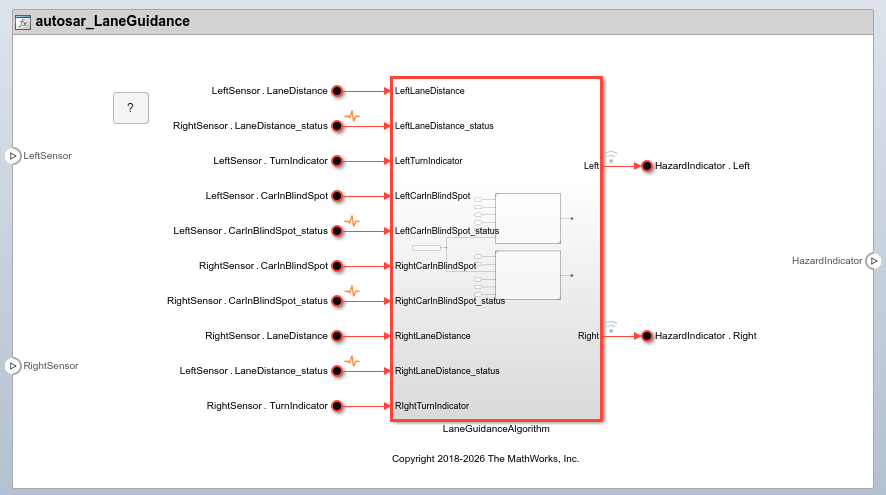
Inspect XML Options in AUTOSAR Dictionary
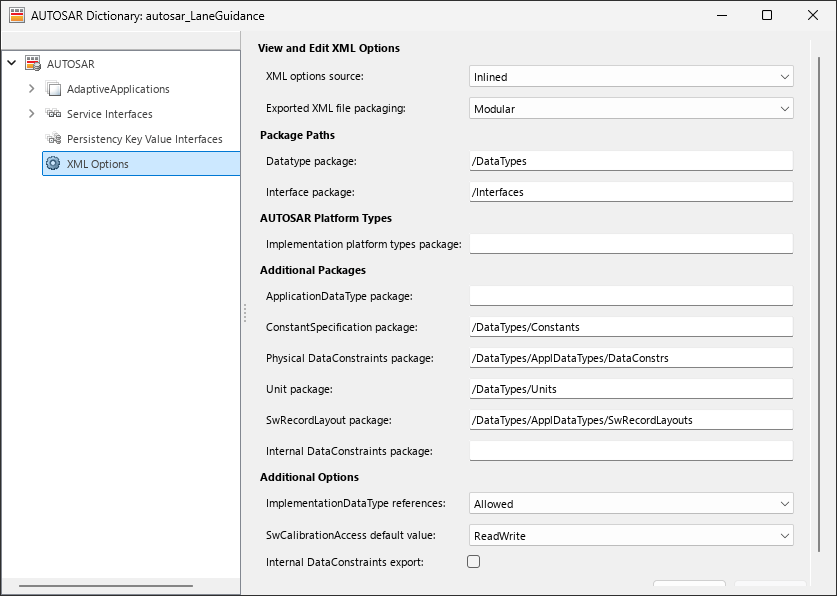
Before generating code, open the AUTOSAR Dictionary and examine the settings of AUTOSAR XML export parameters. On the AUTOSAR tab, select Code Interface > AUTOSAR Dictionary. In the AUTOSAR Dictionary, select XML Options.
The XML options view in the AUTOSAR Dictionary displays XML export parameters and their values. You can configure:
XML file packaging for AUTOSAR elements created in Simulink
AUTOSAR package paths
Aspects of exported AUTOSAR XML content
This example sets Exported XML file packaging to Single file, so that ARXML for adaptive components, data types, and interfaces is exported into a single file, modelname.arxml. Export also generates ARXML manifest files.
Generate AUTOSAR C++ Code and XML Descriptions
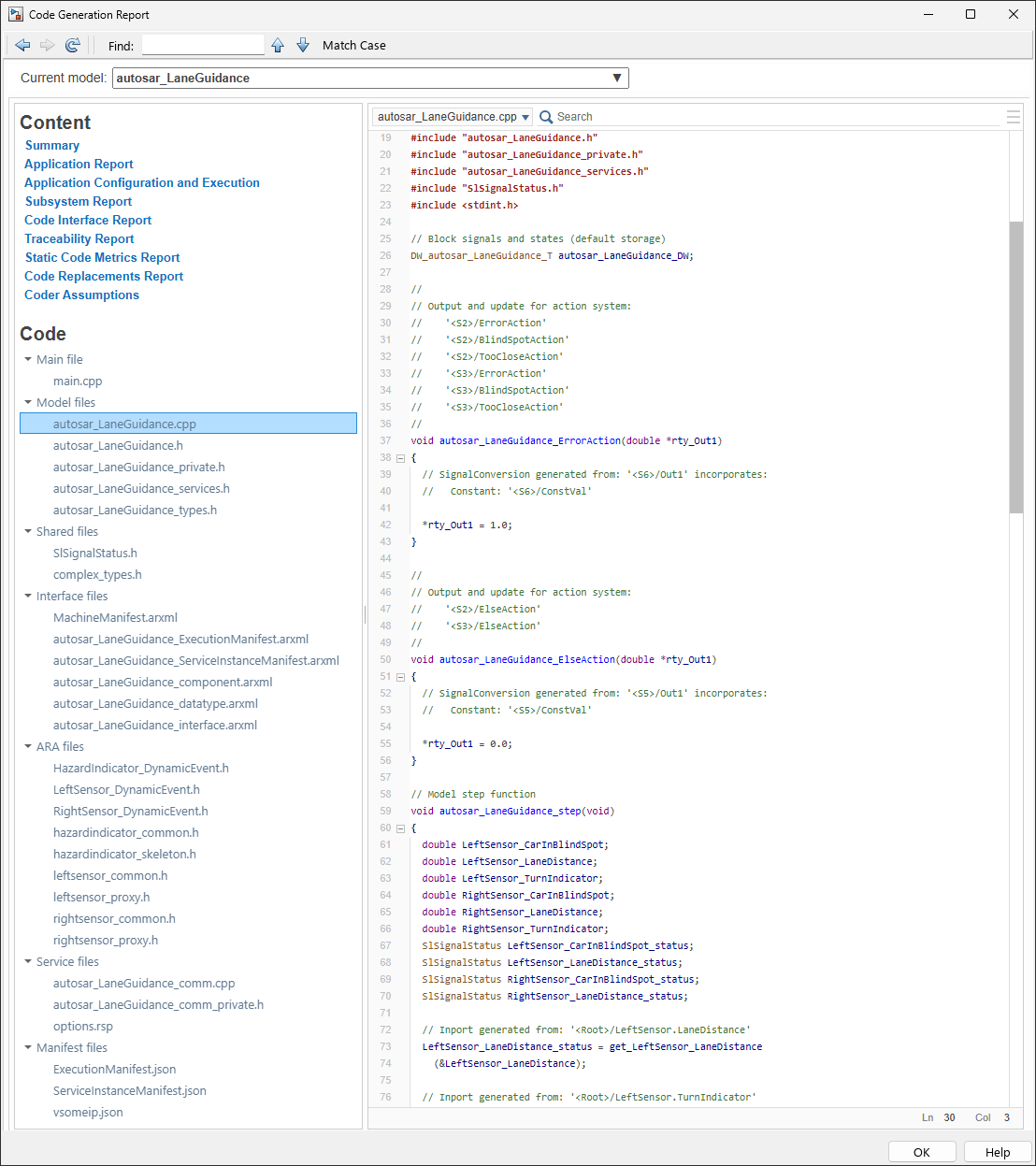
To generate AUTOSAR C++ code and XML software descriptions that comply with Adaptive Platform specifications, build the model. In the model window, press Ctrl+B. The build process generates C++ code and ARXML descriptions to the model build folder, autosar_LaneGuidance_autosar_adaptive. Data types and related elements that are not used in the model are removed from the exported ARXML files. When the build completes, open the code generation report.